By David Khachatryan · Guidance updated
Best Laptops for CS Students in 2026: From Freshman to Senior Year
Best laptops for computer science students in 2026. Affordable, powerful enough for coursework and projects — machines that last all four years.
Buying a laptop for computer science is different from buying one for other majors. Your machine needs to handle not just note-taking and essays, but IDEs, compilers, virtual machines, databases, and increasingly — AI coding tools that your professors may or may not be ready for.
The ideal CS student laptop lasts all four years without becoming a bottleneck. What feels fine for intro-to-programming freshman year might choke on the operating systems class where you are running VMs, or the senior capstone where you are building a full-stack application. Buy for year four, not year one.
Here are the best laptops for CS students — machines that grow with your skills and survive the entire degree.
Top Picks for CS students
Read the details or check the current offer
- #1
Budget Windows option
- #2
Compact OLED option
- #3
ASUS Zenbook 14 OLED (Core Ultra 7 255H)
OLED option
Check your workload before upgrading
Open your usual projects and apps on your current computer. Check memory pressure, CPU use, and free storage while doing the task that feels slow. A slow internet connection, a remote service, and a slow local build need different fixes. A new laptop may not solve the first two.
Memory and storage
For a new everyday laptop, 16GB RAM is a reasonable starting point to compare. Larger projects, multiple containers, virtual machines, and datasets can justify more. These are buying guidelines, not minimum requirements for every application. Check whether memory can be upgraded. Choose SSD capacity for your files and applications, leaving room for updates.
Cloud tools and local models
A cloud service processes its model on remote servers. Buying a powerful GPU does not automatically speed up that service. If you plan to run a model locally, verify its runtime, GPU support, model size, and memory requirements before choosing hardware.
Compatibility and daily use
Check your essential applications on the exact operating system and processor architecture. Compare keyboard layout, screen size, ports, weight, and return terms. Battery performance depends on the workload; this site has not measured battery life for these models.
Laptop shortlist for CS students
Compare the named model generations below. This shortlist does not cover every current release. The same model name can refer to different configurations; confirm the specifications on the seller's listing.
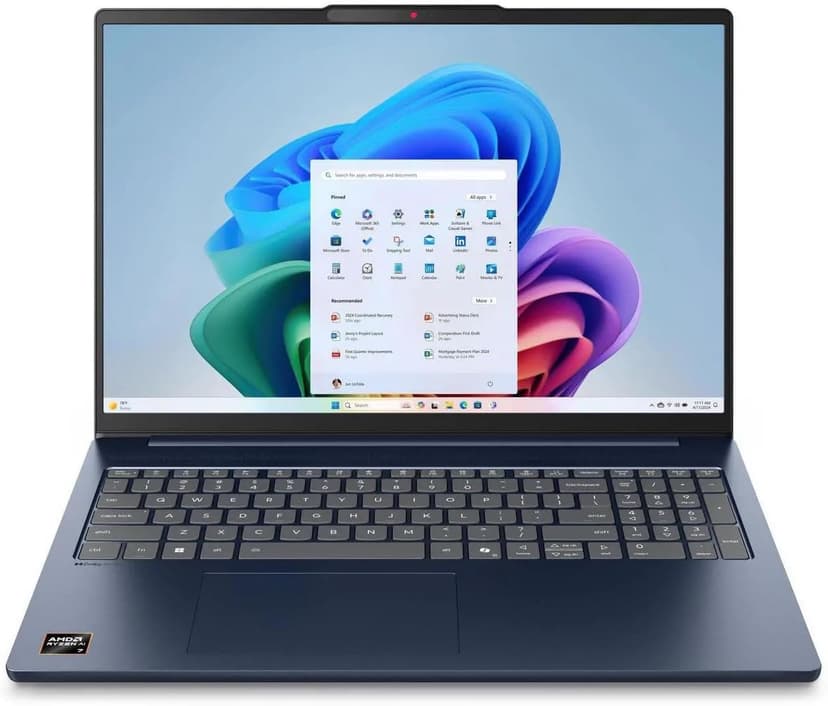
Lenovo IdeaPad Slim 5 16
Selected configuration
Pros
- 16-inch Windows option for budget comparisons
- 16GB DDR5 RAM with Ryzen AI 7 processor
- Large display gives you room to work
- Wi-Fi 7 connectivity
Cons
- IPS display — not as vibrant as OLED options
- Heavier and thicker than premium ultrabooks
Best for: Students and budget-focused developers who want the most screen real estate and RAM per dollar.
Check configuration & price on Amazon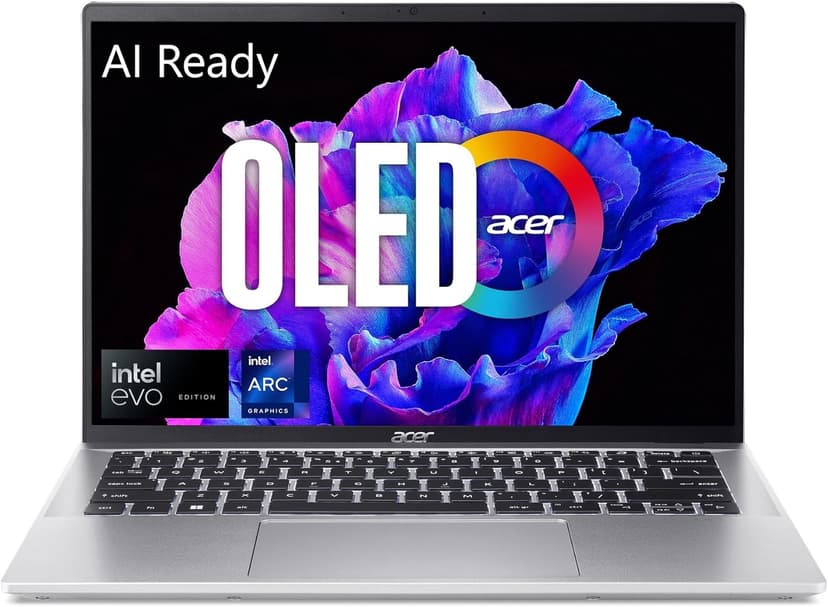
Acer Swift Go 14 OLED
Selected configuration
Pros
- 2.8K OLED display
- Approximately 2.91 lbs according to Acer
- Thunderbolt 4 for external monitors and fast I/O
- Intel Core Ultra 5 handles multi-tasking well
Cons
- 16GB max RAM — cannot be upgraded
- Can get warm under sustained heavy workloads
Best for: Budget-conscious developers and students who refuse to compromise on display quality.
Check configuration & price on Amazon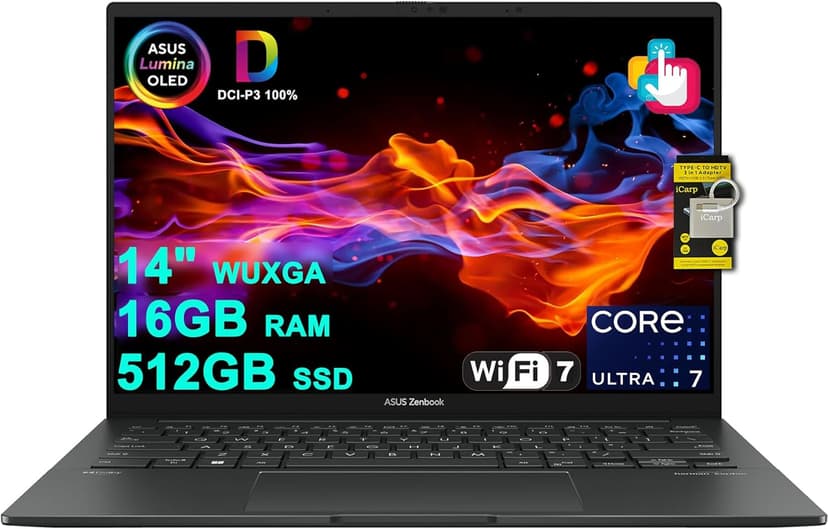
ASUS Zenbook 14 OLED (Core Ultra 7 255H)
Selected configuration
Pros
- 14-inch OLED touchscreen
- 16-core Intel Core Ultra 7 255H
- 16GB RAM and 512GB SSD in this offer
- Thunderbolt 4 connections
Cons
- 16GB RAM is not upgradeable
- No dedicated GPU for heavy compute tasks
Best for: Developers and AI tool users who want a gorgeous OLED display and solid performance without breaking the bank.
Check configuration & price on Amazon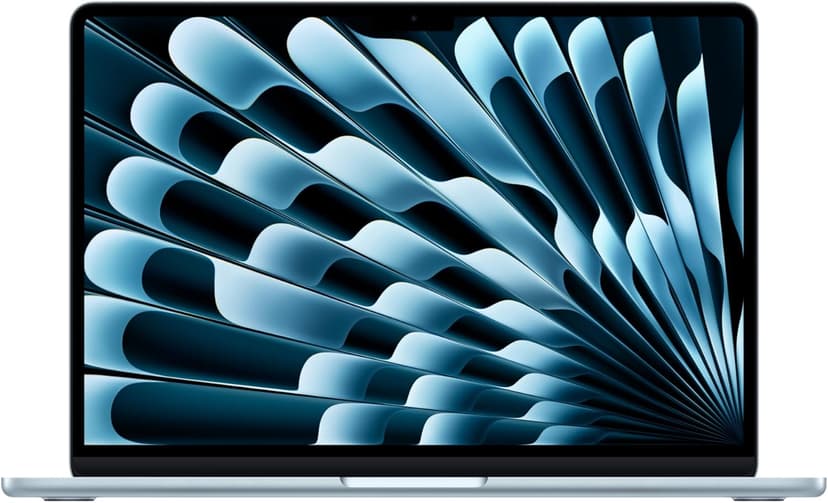
MacBook Air 13" (M4)
Selected configuration
Pros
- Compact 13.6-inch display
- Ultra-portable at 2.7 lbs
- Fanless and completely silent
- Two Thunderbolt 4 ports
Cons
- 13.6-inch screen can feel cramped for multi-pane coding
- 16GB memory in this offer; select a different configuration if you need more
Best for: Students, side-project builders, and anyone starting their coding journey.
Check configuration & price on Amazon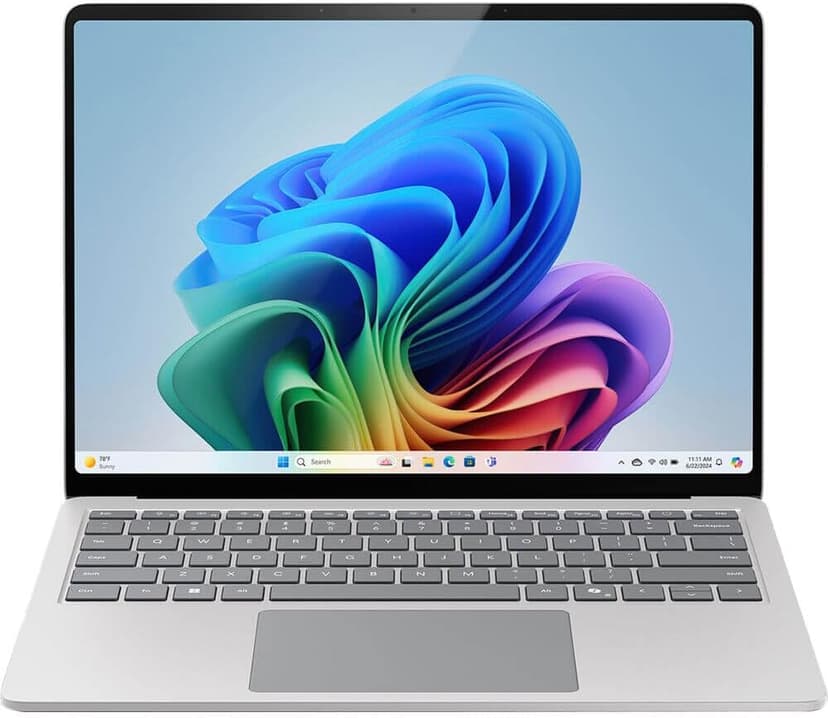
Microsoft Surface Laptop 7
Selected configuration
Pros
- Check application support on Windows ARM
- 45 TOPS NPU for on-device AI acceleration
- Premium build quality with gorgeous PixelSense display
- Compact design for portable work
Cons
- ARM architecture has some developer tool compatibility gaps
- 13.8-inch screen is small for multi-pane workflows
Best for: Users whose applications support Windows on ARM and who want a compact Copilot+ PC.
Check configuration & price on AmazonCompare configurations
| Laptop | RAM | Cores | Screen | Weight | Current offer |
|---|---|---|---|---|---|
| Lenovo IdeaPad Slim 5 16 | 16GB | 8 cores | 16" 1920x1200 IPS touch | 4.0 lbs | Check Amazon |
| Acer Swift Go 14 OLED | 16GB | 14 cores | 14" 2880x1800 OLED | Approx. 2.91 lbs | Check Amazon |
| ASUS Zenbook 14 OLED (Core Ultra 7 255H) | 16GB | 16 cores | 14" 1920x1200 OLED | Approx. 2.7 lbs | Check Amazon |
| MacBook Air 13" (M4) | 16GB | 10 cores | 13.6" 2560x1664 | 2.7 lbs | Check Amazon |
| Microsoft Surface Laptop 7 | 16GB | 10 cores | 13.8" 2304x1536 | 2.96 lbs | Check Amazon |
Related guides
Get future buying guides.
Laptop buying advice, coding workflows, and lessons from building software.