By David Khachatryan · Guidance updated
Best Laptops for Coding in 2026: This Year's Top Developer Picks
Best laptops for coding in 2026. Updated picks featuring the latest hardware — M4, Ryzen 9, and Intel Ultra processors.
The laptop market for developers has shifted significantly in 2026. Apple's M4 family dominates the efficiency conversation, AMD's Ryzen 9 series offers unmatched multi-core performance for Windows and Linux users, and Intel's Core Ultra processors have finally become competitive again.
More importantly, the rise of AI coding tools has changed the baseline requirements. What counted as "plenty of RAM" two years ago now feels tight. The laptops that made sense in 2024 do not necessarily make sense today. Developer workloads have evolved, and hardware recommendations need to evolve with them.
Here are the best laptops for coding in 2026, reflecting the current state of developer tools and hardware.
Top Picks for coding laptops 2026
Read the details or check the current offer
- #1
Budget Windows option
- #2
Compact OLED option
- #3
ASUS Zenbook 14 OLED (Core Ultra 7 255H)
OLED option
Choosing hardware for coding laptops 2026
What separates a "coding laptop" from a regular laptop in 2026 is no longer about raw CPU speed — it is about the complete development experience. The shift has been gradual but decisive: RAM capacity determines whether your workflow feels fluid or frustrating, display quality determines whether you can code for 8 hours without headaches, keyboard quality determines whether those 8 hours cause RSI, and ecosystem support determines whether Docker, WSL2, Homebrew, and your AI tools work without friction.
The 2026 hardware landscape has also introduced a genuine choice that did not exist before. Apple Silicon offers unmatched efficiency and battery life with a locked-down but polished ecosystem. AMD Ryzen offers raw multi-threaded power and value on Windows/Linux. Intel Core Ultra has caught up in efficiency while maintaining broad compatibility. Each platform has legitimate advantages depending on your stack, and for the first time in years, there is no single "best" choice — only the best choice for your specific workflow.
Check your workload before upgrading
Open your usual projects and apps on your current computer. Check memory pressure, CPU use, and free storage while doing the task that feels slow. A slow internet connection, a remote service, and a slow local build need different fixes. A new laptop may not solve the first two.
Memory and storage
For a new everyday laptop, 16GB RAM is a reasonable starting point to compare. Larger projects, multiple containers, virtual machines, and datasets can justify more. These are buying guidelines, not minimum requirements for every application. Check whether memory can be upgraded. Choose SSD capacity for your files and applications, leaving room for updates.
Cloud tools and local models
A cloud service processes its model on remote servers. Buying a powerful GPU does not automatically speed up that service. If you plan to run a model locally, verify its runtime, GPU support, model size, and memory requirements before choosing hardware.
Compatibility and daily use
Check your essential applications on the exact operating system and processor architecture. Compare keyboard layout, screen size, ports, weight, and return terms. Battery performance depends on the workload; this site has not measured battery life for these models.
Before you buy
- The best coding laptop is the one that disappears — fast enough that you never wait, quiet enough that you never notice, and comfortable enough that 8-hour sessions do not hurt.
- RAM is the #1 spec for coding in 2026 — everything else is secondary. Get 32GB if you can afford it, 16GB minimum.
- Prioritize keyboard quality — read reviews specifically about the keyboard. A great display with a terrible keyboard is a bad trade for a developer.
- Battery life matters for real-world coding — look for 8+ hours of actual development use, not the manufacturer's video playback claims.
- An IPS or OLED display with good brightness (300+ nits) reduces eye strain during long sessions — avoid TN panels entirely.
Laptop shortlist for coding laptops 2026
Compare the named model generations below. This shortlist does not cover every current release. The same model name can refer to different configurations; confirm the specifications on the seller's listing. Prices change, and a listed model may exceed your budget. Only choose an offer that meets your spending limit.
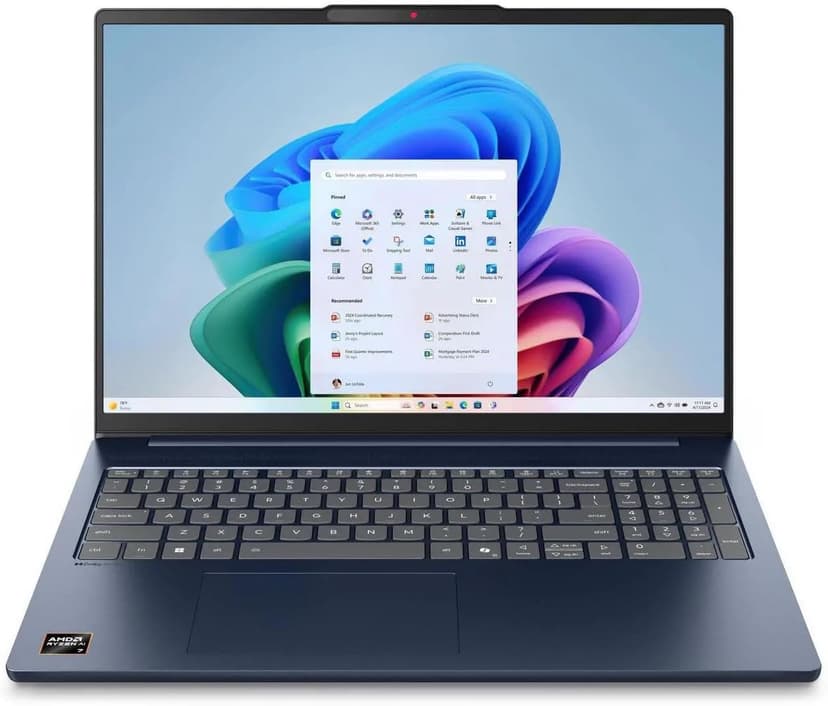
Lenovo IdeaPad Slim 5 16
Selected configuration
Pros
- 16-inch Windows option for budget comparisons
- 16GB DDR5 RAM with Ryzen AI 7 processor
- Large display gives you room to work
- Wi-Fi 7 connectivity
Cons
- IPS display — not as vibrant as OLED options
- Heavier and thicker than premium ultrabooks
Best for: Students and budget-focused developers who want the most screen real estate and RAM per dollar.
Check configuration & price on Amazon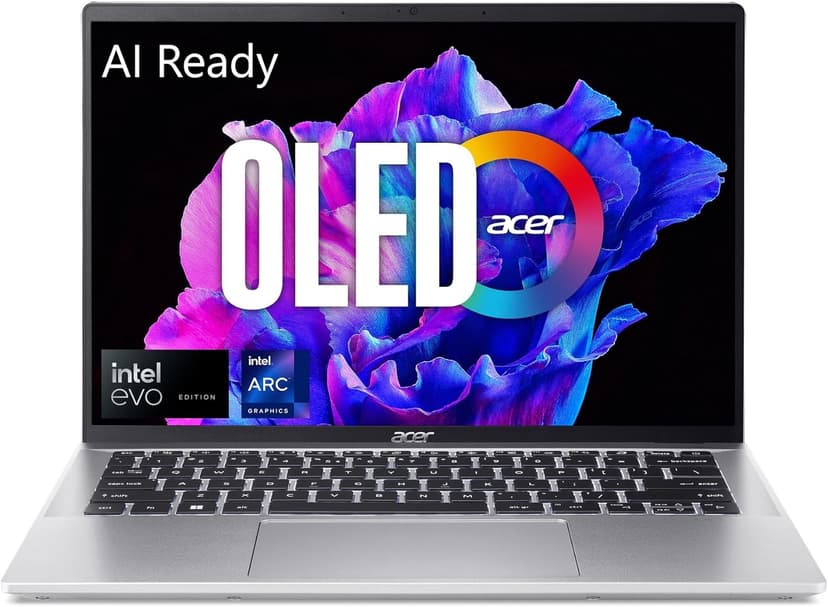
Acer Swift Go 14 OLED
Selected configuration
Pros
- 2.8K OLED display
- Approximately 2.91 lbs according to Acer
- Thunderbolt 4 for external monitors and fast I/O
- Intel Core Ultra 5 handles multi-tasking well
Cons
- 16GB max RAM — cannot be upgraded
- Can get warm under sustained heavy workloads
Best for: Budget-conscious developers and students who refuse to compromise on display quality.
Check configuration & price on Amazon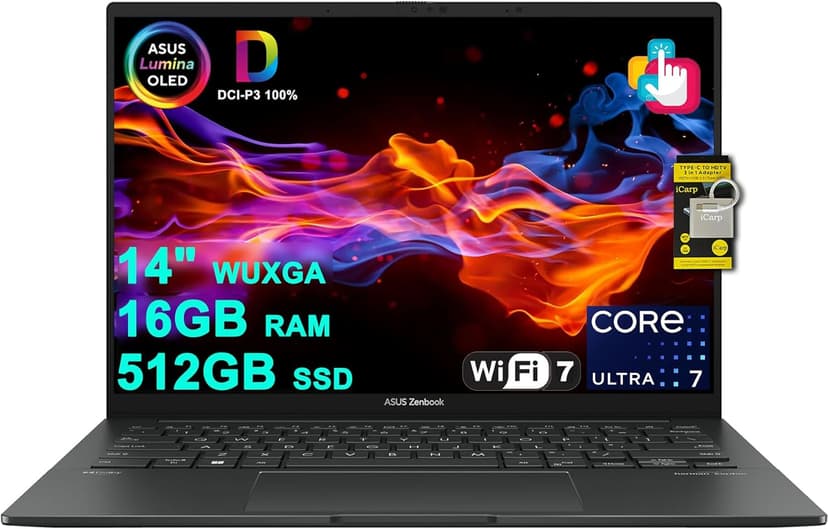
ASUS Zenbook 14 OLED (Core Ultra 7 255H)
Selected configuration
Pros
- 14-inch OLED touchscreen
- 16-core Intel Core Ultra 7 255H
- 16GB RAM and 512GB SSD in this offer
- Thunderbolt 4 connections
Cons
- 16GB RAM is not upgradeable
- No dedicated GPU for heavy compute tasks
Best for: Developers and AI tool users who want a gorgeous OLED display and solid performance without breaking the bank.
Check configuration & price on Amazon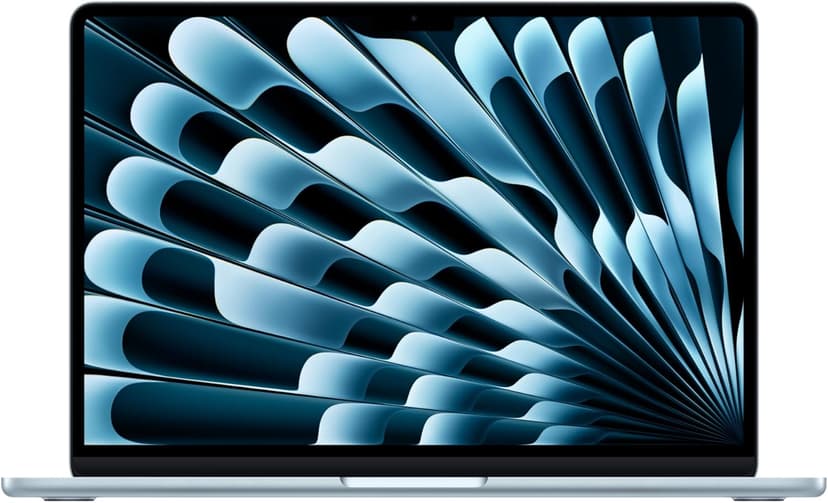
MacBook Air 13" (M4)
Selected configuration
Pros
- Compact 13.6-inch display
- Ultra-portable at 2.7 lbs
- Fanless and completely silent
- Two Thunderbolt 4 ports
Cons
- 13.6-inch screen can feel cramped for multi-pane coding
- 16GB memory in this offer; select a different configuration if you need more
Best for: Students, side-project builders, and anyone starting their coding journey.
Check configuration & price on Amazon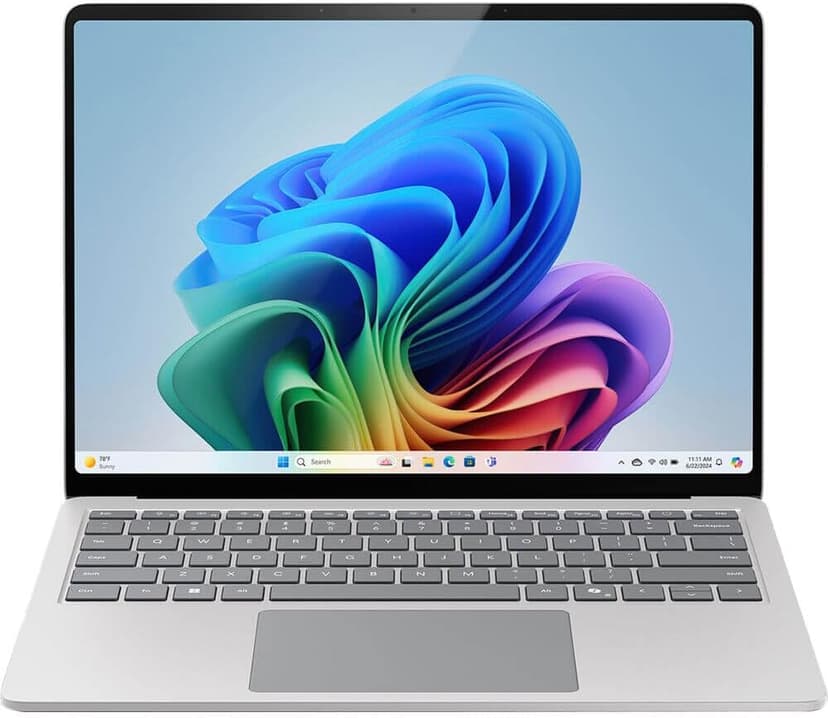
Microsoft Surface Laptop 7
Selected configuration
Pros
- Check application support on Windows ARM
- 45 TOPS NPU for on-device AI acceleration
- Premium build quality with gorgeous PixelSense display
- Compact design for portable work
Cons
- ARM architecture has some developer tool compatibility gaps
- 13.8-inch screen is small for multi-pane workflows
Best for: Users whose applications support Windows on ARM and who want a compact Copilot+ PC.
Check configuration & price on AmazonCompare configurations
| Laptop | RAM | Cores | Screen | Weight | Current offer |
|---|---|---|---|---|---|
| Lenovo IdeaPad Slim 5 16 | 16GB | 8 cores | 16" 1920x1200 IPS touch | 4.0 lbs | Check Amazon |
| Acer Swift Go 14 OLED | 16GB | 14 cores | 14" 2880x1800 OLED | Approx. 2.91 lbs | Check Amazon |
| ASUS Zenbook 14 OLED (Core Ultra 7 255H) | 16GB | 16 cores | 14" 1920x1200 OLED | Approx. 2.7 lbs | Check Amazon |
| MacBook Air 13" (M4) | 16GB | 10 cores | 13.6" 2560x1664 | 2.7 lbs | Check Amazon |
| Microsoft Surface Laptop 7 | 16GB | 10 cores | 13.8" 2304x1536 | 2.96 lbs | Check Amazon |
Frequently Asked Questions About coding laptops 2026
What makes a good coding laptop?
A good coding laptop has enough RAM (16-32GB) to run your IDE, browser, dev server, and tools simultaneously without swapping; a fast SSD for quick project loading and dependency installs; a comfortable keyboard for all-day typing; a display large enough for split-pane coding (14-inch minimum); and battery life for at least 6-8 hours of real development work.
Do I need a powerful laptop for coding?
It depends on what you build. Web development with JavaScript/TypeScript and React/Next.js needs 16GB RAM and a modern CPU — a $1,000 laptop handles it easily. Mobile development with Xcode or Android Studio needs 16-32GB. Machine learning and local AI models need 32GB+ and possibly a dedicated GPU. Do not overspend for your actual workflow.
How much should I spend on a coding laptop?
For students and hobbyists: $600-900 gets a solid 16GB laptop. For professional web developers: $1,000-1,500 gets a great experience. For ML engineers or heavy Docker users: $1,500-2,500 for 32GB+ RAM and possibly a GPU. Beyond $2,500, you are paying for luxury, not necessity — unless you run local 70B models.
Related guides
Get future buying guides.
Laptop buying advice, coding workflows, and lessons from building software.