By David Khachatryan · Guidance updated
Best Laptops for Coding Under $1,000 in 2026: Budget Developer Picks
Best laptops for coding under $1,000 in 2026. You don't need to spend a fortune — these budget picks handle real development work.
You do not need a $3,500 MacBook Pro to write great software. Some of the best developers in the world built their careers on machines that cost a fraction of that. The key is knowing which specs to prioritize when budget is a constraint.
At the under-$1,000 price point, you are making trade-offs. The goal is to make the right trade-offs: sacrifice screen size before you sacrifice RAM, choose last-gen processors over current-gen with less memory, and always prioritize SSD speed over storage capacity.
Use the shortlist below to look for an appropriate configuration within your budget; these are not live offers or a guarantee that every model costs less than $1,000.
Top Picks for coding under $1000
Read the details or check the current offer
- #1
Budget Windows option
- #2
Compact OLED option
- #3
ASUS Zenbook 14 OLED (Core Ultra 7 255H)
OLED option
Choosing hardware for coding under $1000
The budget laptop market has undergone a genuine transformation. In 2024, getting 16GB RAM under $1,000 meant buying a clunky, heavy machine with a washed-out display. In 2026, you can get 16GB RAM, an OLED display, and a modern processor for under $800. The baseline has risen so dramatically that a budget coding laptop today outperforms a mid-range machine from three years ago.
The key is understanding where manufacturers cut corners at this price point — and which corners actually matter for coding. Display quality, keyboard feel, and RAM capacity directly impact your productivity. Chassis thickness, speaker quality, and webcam resolution do not. A developer who knows the difference can build a remarkably capable setup for under $1,000, while someone chasing spec sheets ends up with a machine that looks good on paper but frustrates in daily use.
Check your workload before upgrading
Open your usual projects and apps on your current computer. Check memory pressure, CPU use, and free storage while doing the task that feels slow. A slow internet connection, a remote service, and a slow local build need different fixes. A new laptop may not solve the first two.
Memory and storage
For a new everyday laptop, 16GB RAM is a reasonable starting point to compare. Larger projects, multiple containers, virtual machines, and datasets can justify more. These are buying guidelines, not minimum requirements for every application. Check whether memory can be upgraded. Choose SSD capacity for your files and applications, leaving room for updates.
Cloud tools and local models
A cloud service processes its model on remote servers. Buying a powerful GPU does not automatically speed up that service. If you plan to run a model locally, verify its runtime, GPU support, model size, and memory requirements before choosing hardware.
Compatibility and daily use
Check your essential applications on the exact operating system and processor architecture. Compare keyboard layout, screen size, ports, weight, and return terms. Battery performance depends on the workload; this site has not measured battery life for these models.
Before you buy
- 16GB RAM is the absolute minimum — avoid any laptop under $1,000 that offers only 8GB, even if the deal looks attractive.
- Compare display brightness, reflections, scaling, and text clarity in person where possible; OLED alone does not guarantee viewing comfort.
- Check if the RAM is soldered or upgradeable — budget laptops with upgradeable RAM give you a future-proof escape hatch.
- Used or refurbished MacBook Air M2/M3 models often fall under $800 and outperform most new Windows budget laptops.
- Skip touchscreens on budget laptops — they add cost, drain battery, and provide zero value for coding.
Laptop shortlist for coding under $1000
Compare the named model generations below. This shortlist does not cover every current release. The same model name can refer to different configurations; confirm the specifications on the seller's listing. Prices change, and a listed model may exceed your budget. Only choose an offer that meets your spending limit.
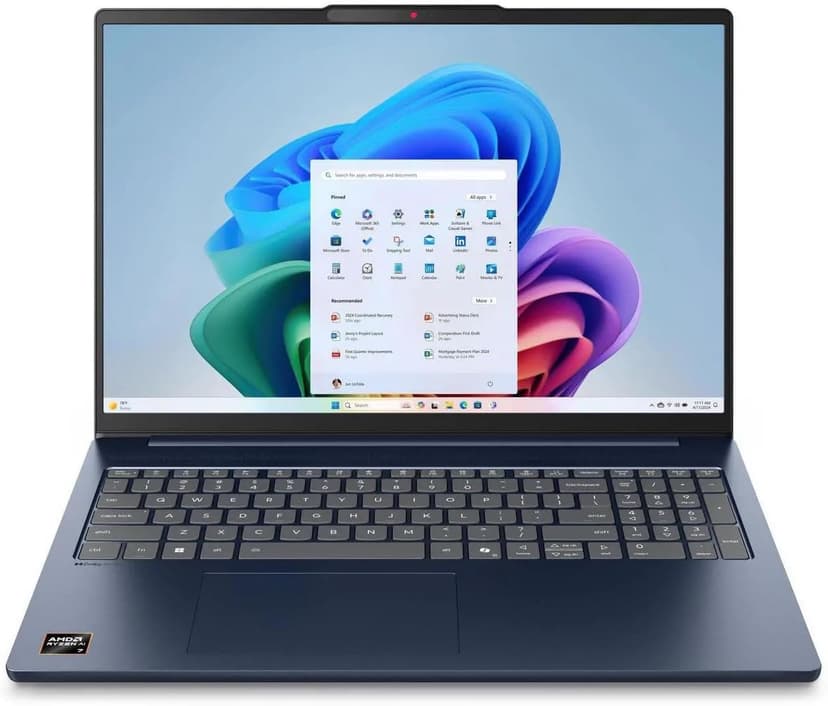
Lenovo IdeaPad Slim 5 16
Selected configuration
Pros
- 16-inch Windows option for budget comparisons
- 16GB DDR5 RAM with Ryzen AI 7 processor
- Large display gives you room to work
- Wi-Fi 7 connectivity
Cons
- IPS display — not as vibrant as OLED options
- Heavier and thicker than premium ultrabooks
Best for: Students and budget-focused developers who want the most screen real estate and RAM per dollar.
Check configuration & price on Amazon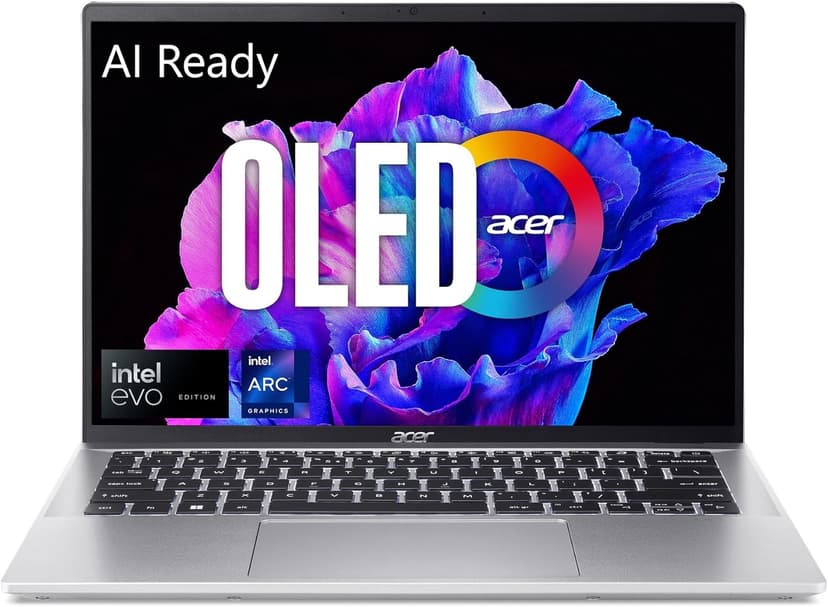
Acer Swift Go 14 OLED
Selected configuration
Pros
- 2.8K OLED display
- Approximately 2.91 lbs according to Acer
- Thunderbolt 4 for external monitors and fast I/O
- Intel Core Ultra 5 handles multi-tasking well
Cons
- 16GB max RAM — cannot be upgraded
- Can get warm under sustained heavy workloads
Best for: Budget-conscious developers and students who refuse to compromise on display quality.
Check configuration & price on Amazon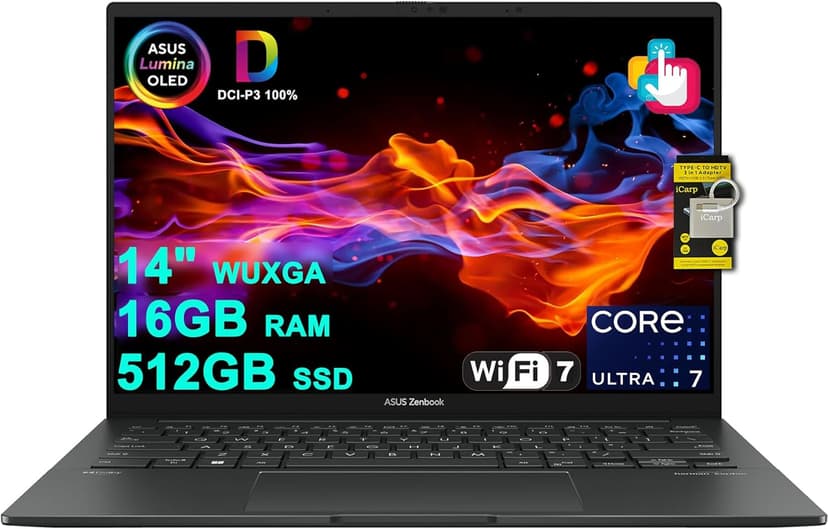
ASUS Zenbook 14 OLED (Core Ultra 7 255H)
Selected configuration
Pros
- 14-inch OLED touchscreen
- 16-core Intel Core Ultra 7 255H
- 16GB RAM and 512GB SSD in this offer
- Thunderbolt 4 connections
Cons
- 16GB RAM is not upgradeable
- No dedicated GPU for heavy compute tasks
Best for: Developers and AI tool users who want a gorgeous OLED display and solid performance without breaking the bank.
Check configuration & price on Amazon
MacBook Air 13" (M4)
Selected configuration
Pros
- Compact 13.6-inch display
- Ultra-portable at 2.7 lbs
- Fanless and completely silent
- Two Thunderbolt 4 ports
Cons
- 13.6-inch screen can feel cramped for multi-pane coding
- 16GB memory in this offer; select a different configuration if you need more
Best for: Students, side-project builders, and anyone starting their coding journey.
Check configuration & price on Amazon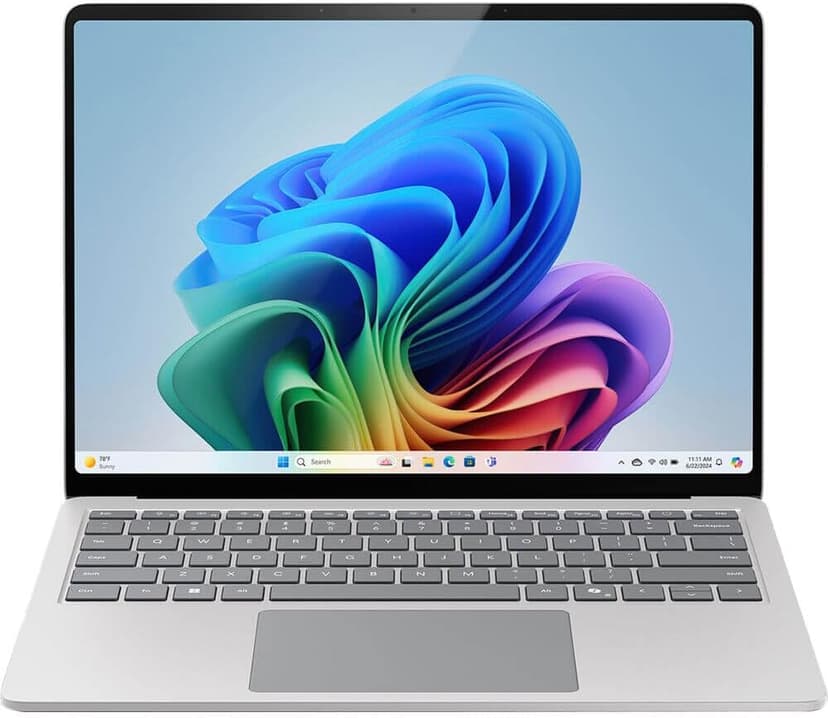
Microsoft Surface Laptop 7
Selected configuration
Pros
- Check application support on Windows ARM
- 45 TOPS NPU for on-device AI acceleration
- Premium build quality with gorgeous PixelSense display
- Compact design for portable work
Cons
- ARM architecture has some developer tool compatibility gaps
- 13.8-inch screen is small for multi-pane workflows
Best for: Users whose applications support Windows on ARM and who want a compact Copilot+ PC.
Check configuration & price on AmazonCompare configurations
| Laptop | RAM | Cores | Screen | Weight | Current offer |
|---|---|---|---|---|---|
| Lenovo IdeaPad Slim 5 16 | 16GB | 8 cores | 16" 1920x1200 IPS touch | 4.0 lbs | Check Amazon |
| Acer Swift Go 14 OLED | 16GB | 14 cores | 14" 2880x1800 OLED | Approx. 2.91 lbs | Check Amazon |
| ASUS Zenbook 14 OLED (Core Ultra 7 255H) | 16GB | 16 cores | 14" 1920x1200 OLED | Approx. 2.7 lbs | Check Amazon |
| MacBook Air 13" (M4) | 16GB | 10 cores | 13.6" 2560x1664 | 2.7 lbs | Check Amazon |
| Microsoft Surface Laptop 7 | 16GB | 10 cores | 13.8" 2304x1536 | 2.96 lbs | Check Amazon |
Frequently Asked Questions About coding under $1000
Can I learn to code on a budget laptop?
Yes. A $600-800 laptop with 16GB RAM and an SSD is more than enough to learn web development, Python, JavaScript, and most programming fundamentals. You do not need an expensive machine to start — the skills transfer to any hardware. Upgrade when your projects outgrow your machine, not before.
What is the best cheap laptop for coding in 2026?
The Lenovo IdeaPad Slim 5 16 and Acer Swift Go 14 OLED are candidates to compare at current seller prices. Both have 16GB RAM, modern processors, and fast SSDs. The Acer wins on display quality (2.8K OLED), while the Lenovo wins on screen size (16 inches). For Mac users, a refurbished MacBook Air M3 under $800 is hard to beat.
Is 16GB RAM enough for coding?
For most coding — yes. 16GB handles a code editor, browser with dev tools, a dev server, and a terminal simultaneously. You will only feel the limitation if you use Docker heavily, run local AI models, or work with very large codebases. 16GB is the right choice for students and early-career developers.
Related guides
Get future buying guides.
Laptop buying advice, coding workflows, and lessons from building software.