By David Khachatryan · Guidance updated
Best Laptops for Vibe Coding (2026): Browser vs Local Development
Match a vibe-coding laptop to browser projects, local builds, or local AI models. Compare practical memory targets and avoid buying hardware you do not need.
The laptop you need for vibe coding depends on where your app runs. If you build entirely in a hosted browser environment, your laptop mainly handles the browser. If you run the app, tests, and database locally, those projects set the hardware requirements.
Use this guide to distinguish those workflows before comparing models. These are specification-based recommendations; no hands-on performance tests were conducted for this guide.
Top Picks for vibe coding
Read the details or check the current offer
- #1
Everyday web development
- #2
Sustained builds and more memory
- #3
Budget Windows option
Browser-only building: prioritize the working setup
For a hosted editor and preview, a comfortable screen, keyboard, reliable connection, and enough memory for your browser are useful priorities. A premium processor will not eliminate remote service delays. Check which parts of your chosen platform run locally before assuming you need new hardware.
Local development: budget for the app you are building
A local editor, app server, tests, and browser share resources. Compare a 16GB configuration for a modest project with 24–32GB if you expect containers, large repositories, or several environments. This is a planning range, not a benchmark result or an application minimum.
When the Pro model earns a place on the shortlist
Compare an actively cooled workstation when long builds or other sustained local jobs are a meaningful part of your day. For short edits and browser previews, a lighter machine may suit you better. Consider an external monitor if switching between prompt, terminal, and preview is the main frustration.
Sources and scope
The recommendations above are editorial judgments based on the requirements and specifications below. They are not measured performance results.
Before you buy
- For browser-only projects, try your existing laptop and check whether the browser is actually running out of memory.
- For local development, choose RAM and SSD capacity around your projects, dependencies, and database.
- Check whether you need local mobile simulators or containers before choosing an operating system.
- Buy a dedicated GPU only for a separate workload that can use it.
Laptop shortlist for vibe coding
Compare the named model generations below. This shortlist does not cover every current release. The same model name can refer to different configurations; confirm the specifications on the seller's listing.
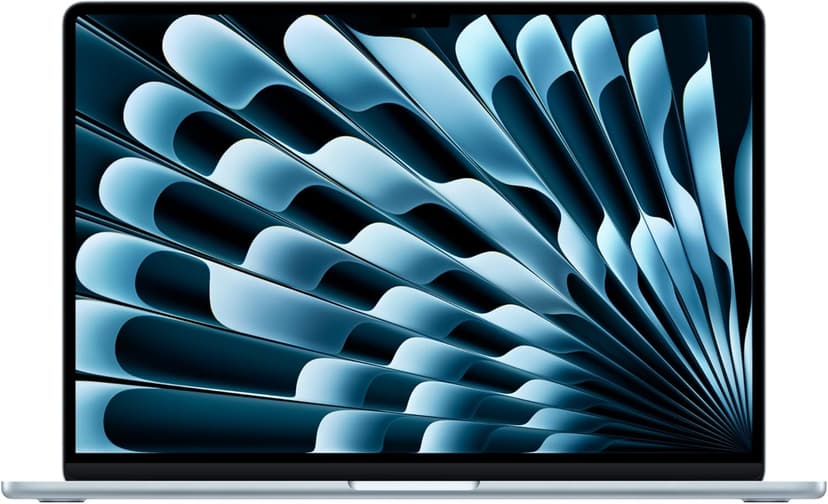
MacBook Air 15" (M4)
Selected configuration
Pros
- 10-core M4 CPU
- Fanless design
- 15.3-inch display — plenty of screen real estate
- Two Thunderbolt 4 ports
Cons
- 16GB memory in this offer; select a different configuration if you need more
- No NVIDIA CUDA support; check your ML framework
Best for: Developers comparing a fanless machine for everyday projects.
Check configuration & price on Amazon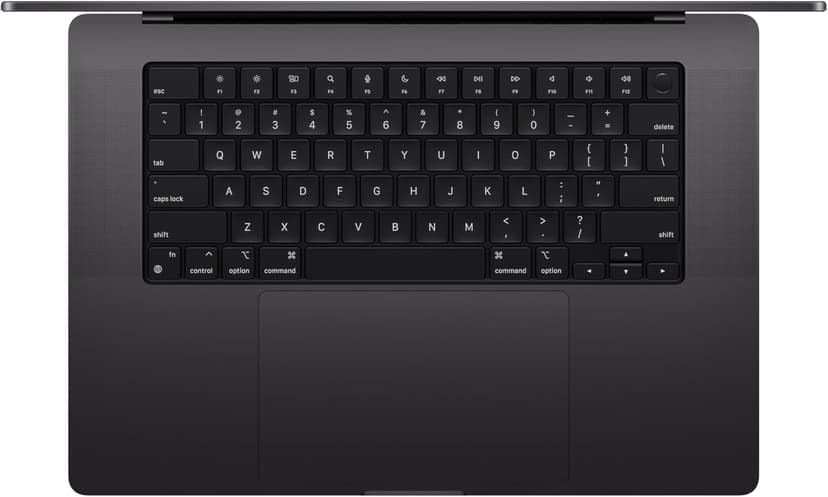
MacBook Pro 14" (M4 Pro)
Selected configuration
Pros
- 14-inch design weighing approximately 3.5 lbs
- M4 Pro with a 12-core CPU in this configuration
- Liquid Retina XDR display with ProMotion
- Active cooling for extended workloads
- Three Thunderbolt 5 ports plus HDMI and SD card
Cons
- Premium model; compare the current offer
- 14-inch screen can feel cramped for multi-pane coding
Best for: Developers considering active cooling and a 14-inch display for local builds.
Check configuration & price on Amazon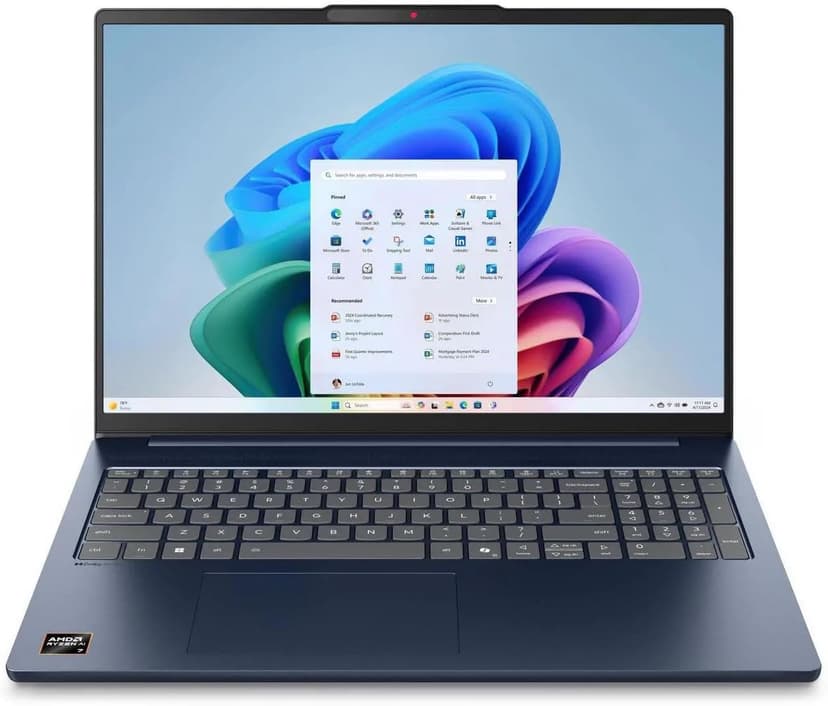
Lenovo IdeaPad Slim 5 16
Selected configuration
Pros
- 16-inch Windows option for budget comparisons
- 16GB DDR5 RAM with Ryzen AI 7 processor
- Large display gives you room to work
- Wi-Fi 7 connectivity
Cons
- IPS display — not as vibrant as OLED options
- Heavier and thicker than premium ultrabooks
Best for: Students and budget-focused developers who want the most screen real estate and RAM per dollar.
Check configuration & price on Amazon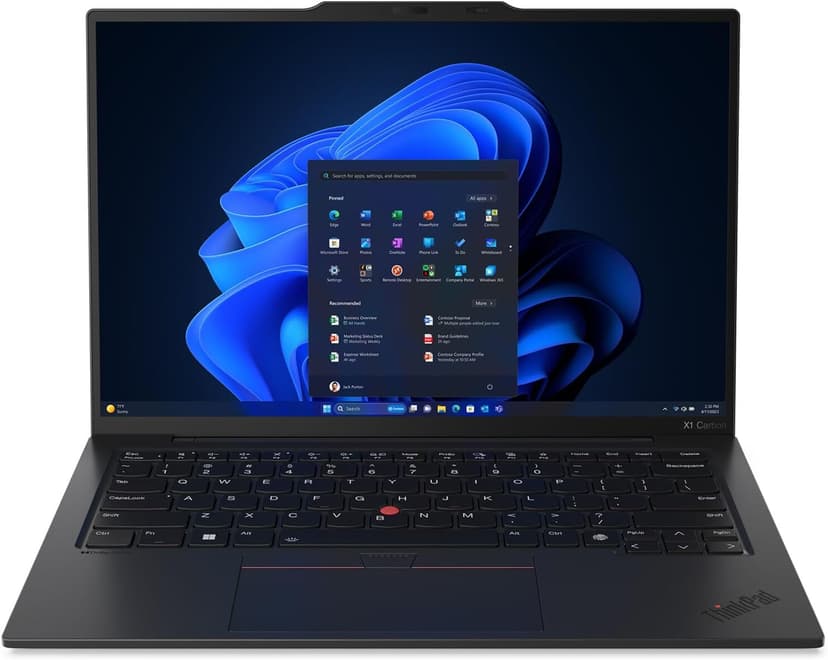
Lenovo ThinkPad X1 Carbon Gen 13
Selected configuration
Pros
- Incredibly light at 2.4 lbs — one of the lightest in this list
- ThinkPad keyboard layout; try the feel before buying
- Check Linux certification for the exact model number
- 32GB RAM + 2TB SSD in an ultrabook form factor
- Aura Edition with Intel Core Ultra 7 258V
Cons
- Integrated graphics; no discrete NVIDIA GPU
- 14-inch screen is smaller than 16-inch alternatives
Best for: Developers comparing a compact travel laptop; verify Linux support for the exact configuration if needed.
Check configuration & price on AmazonCompare configurations
| Laptop | RAM | Cores | Screen | Weight | Current offer |
|---|---|---|---|---|---|
| MacBook Air 15" (M4) | 16GB | 10 cores | 15.3" 2880x1864 | 3.3 lbs | Check Amazon |
| MacBook Pro 14" (M4 Pro) | 24GB | 12 cores | 14.2" 3024x1964 | 3.5 lbs | Check Amazon |
| Lenovo IdeaPad Slim 5 16 | 16GB | 8 cores | 16" 1920x1200 IPS touch | 4.0 lbs | Check Amazon |
| Lenovo ThinkPad X1 Carbon Gen 13 | 32GB | 8 cores | 14" 2880x1800 OLED | 2.4 lbs | Check Amazon |
Frequently Asked Questions About vibe coding
Do I need a new laptop for vibe coding?
Not necessarily. Run a representative project on your current computer first. Hosted tools and local development have different requirements; identify the slow part before buying.
Is 16GB enough for vibe coding?
It can be enough for modest projects. Large repositories, containers, simulators, and local models can need more. Check actual memory pressure rather than treating one number as universal.
Does a gaming GPU make cloud AI tools faster?
A local GPU does not accelerate a model running on a remote service. It can help with supported models and other compute workloads running on your computer.
Related guides
Get future buying guides.
Laptop buying advice, coding workflows, and lessons from building software.