By David Khachatryan · Guidance updated
Budget vs Premium Laptop for Coding (2026): What to Pay For
Compare an IdeaPad Slim 5 and M4 MacBook Air for coding. Decide what memory, compatibility, screen, and daily-use improvements justify paying more.
Set a spending limit, then identify the problem the purchase should solve. A higher price is only useful if it buys something your workflow needs or a daily-use improvement you value.
The IdeaPad Slim 5 and M4 Air 15-inch below are candidates to compare at their current checkout prices. These labels do not guarantee which offer is cheaper today. We have not measured their speed or durability.
Top Picks for budget vs premium laptop for coding
Read the details or check the current offer
- #1
Budget Windows option
- #2
Fanless Mac alternative
Choose the least expensive offer that meets your requirements
Check your course, employer, or project requirements first. Compare the complete configuration, warranty, condition, and return terms. If an IdeaPad offer meets those needs within your limit, a more expensive alternative needs a clear benefit to justify the difference.
Pay more for a benefit you will use
The M4 Air offers a fanless design. That may matter in a quiet workspace, while operating-system requirements can outweigh chassis preferences. Local Xcode work needs a compatible Mac; required Windows software can point the other way. Treat these as buying criteria, not measured quality rankings.
Include the costs around the laptop
Compare equivalent RAM and SSD capacity, then include any dock, monitor, adapters, warranty, and required software in your budget. If your existing computer meets your needs, keeping it may be the better decision. Prices and configuration availability must be checked at purchase time.
Sources and scope
The recommendations above are editorial judgments based on the requirements and specifications below. They are not measured performance results.
Lenovo IdeaPad Slim 5 16 vs MacBook Air 15" (M4): Specs Comparison
These are selected configurations, not the maximum specifications of each model family. Confirm the RAM, storage, GPU, and display on the exact offer before ordering.
| Spec | Lenovo IdeaPad Slim 5 16 | MacBook Air 15" (M4) |
|---|---|---|
| ram | 16GB | 16GB |
| cpu | Ryzen AI 7 350 | M4 |
| cores | 8 cores | 10 cores |
| display | 16" 1920x1200 IPS touch | 15.3" 2880x1864 |
| storage | 1TB SSD | 256GB SSD |
| weight | 4.0 lbs | 3.3 lbs |
The two laptops compared
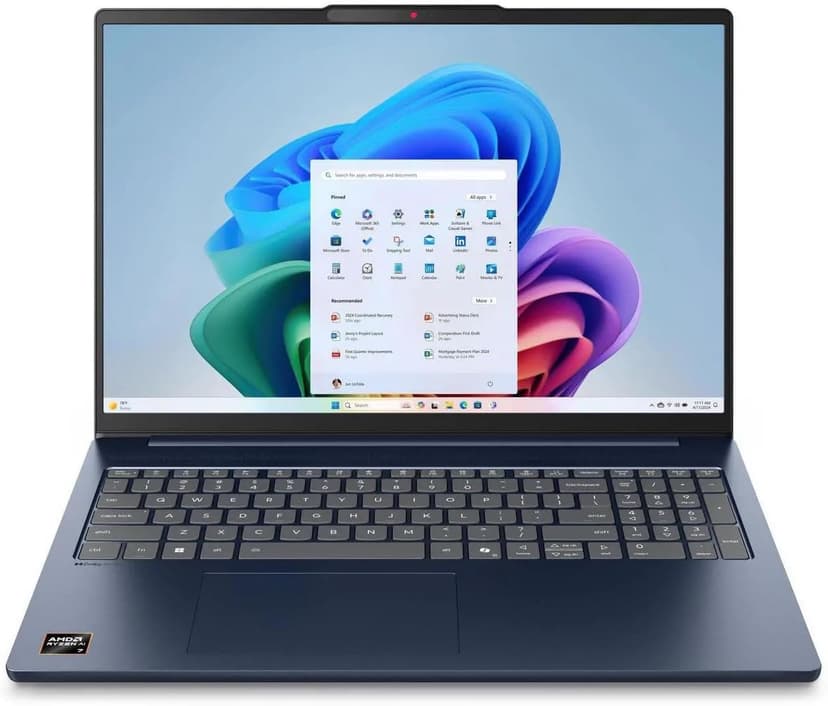
Lenovo IdeaPad Slim 5 16
Selected configuration
Pros
- 16-inch Windows option for budget comparisons
- 16GB DDR5 RAM with Ryzen AI 7 processor
- Large display gives you room to work
- Wi-Fi 7 connectivity
Cons
- IPS display — not as vibrant as OLED options
- Heavier and thicker than premium ultrabooks
Best for: Students and budget-focused developers who want the most screen real estate and RAM per dollar.
Check configuration & price on Amazon
MacBook Air 15" (M4)
Selected configuration
Pros
- 10-core M4 CPU
- Fanless design
- 15.3-inch display — plenty of screen real estate
- Two Thunderbolt 4 ports
Cons
- 16GB memory in this offer; select a different configuration if you need more
- No NVIDIA CUDA support; check your ML framework
Best for: Developers comparing a fanless machine for everyday projects.
Check configuration & price on AmazonOther configurations to consider
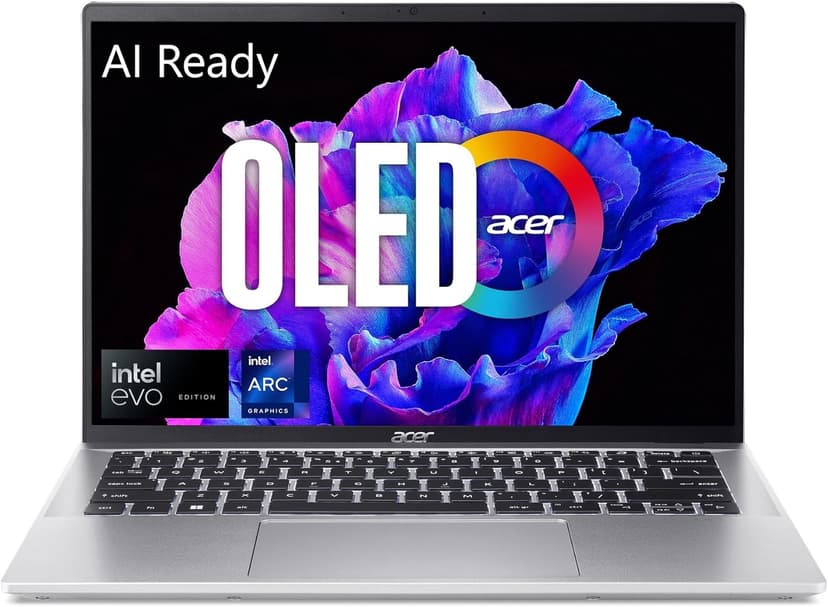
Acer Swift Go 14 OLED
Selected configuration
Pros
- 2.8K OLED display
- Approximately 2.91 lbs according to Acer
- Thunderbolt 4 for external monitors and fast I/O
- Intel Core Ultra 5 handles multi-tasking well
Cons
- 16GB max RAM — cannot be upgraded
- Can get warm under sustained heavy workloads
Best for: Budget-conscious developers and students who refuse to compromise on display quality.
Check configuration & price on Amazon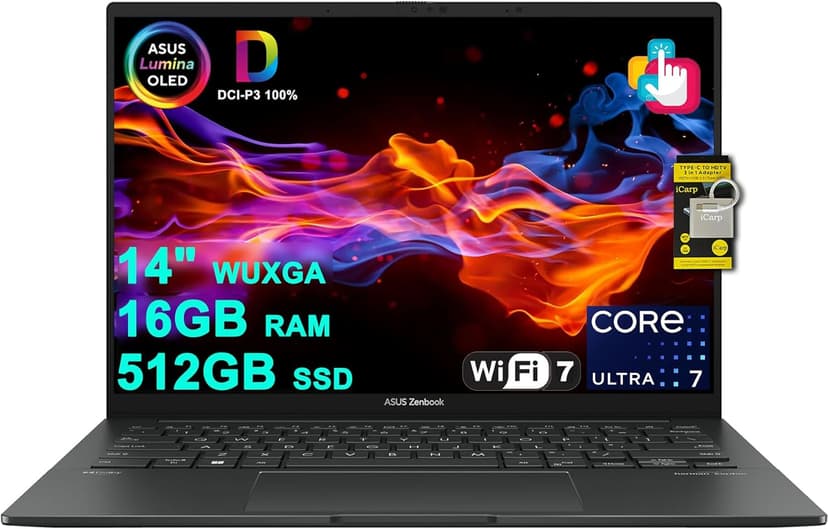
ASUS Zenbook 14 OLED (Core Ultra 7 255H)
Selected configuration
Pros
- 14-inch OLED touchscreen
- 16-core Intel Core Ultra 7 255H
- 16GB RAM and 512GB SSD in this offer
- Thunderbolt 4 connections
Cons
- 16GB RAM is not upgradeable
- No dedicated GPU for heavy compute tasks
Best for: Developers and AI tool users who want a gorgeous OLED display and solid performance without breaking the bank.
Check configuration & price on AmazonFrequently Asked Questions About budget vs premium laptop for coding
How much should I spend to learn programming?
There is no universal required spend. Start with the tools your course uses and the computer you already have, then compare offers that resolve a concrete limitation within your budget.
Related Guides
Get future buying guides.
Laptop buying advice, coding workflows, and lessons from building software.