By David Khachatryan · Guidance updated
Best Laptops for AI Agents (2026): Cloud vs Local Workloads
Choose hardware for AI agents by where models run and what tools they launch. Compare memory needs for browser automation, builds, containers, and local inference.
An AI agent is a workflow, not a single hardware requirement. The model may run in the cloud while your laptop runs a browser, tests, containers, or command-line tools. Alternatively, both the model and its tools may run locally.
This guide compares laptops for cloud-connected agents first. If you intend to run model inference locally, use the local-LLM guide as well.
Top Picks for AI agents
Read the details or check the current offer
- #1
Everyday web development
- #2
Sustained builds and more memory
- #3
Budget Windows option
Cloud inference: size the laptop for the tools
When the model runs remotely, the local bottleneck may be a test suite, container stack, browser, or repository index. Choose hardware for those tasks. A 16GB setup is a starting point for modest projects; more memory can help when several substantial local jobs overlap.
Parallel agents change the workload
Multiple agents may launch duplicate browsers, builds, and services. Their combined load depends on what they actually do. Measure peak memory and task duration under your intended concurrency. Reducing parallel tasks can be a practical alternative to buying a larger laptop.
Local inference needs its own check
If an agent connects to a local model server, verify that model's memory footprint and the runtime's GPU support. Reserve resources for the tools as well. A machine that can run a model by itself may struggle once you add browsers and builds.
Sources and scope
The recommendations above are editorial judgments based on the requirements and specifications below. They are not measured performance results.
Before you buy
- List the local tools your agent will run before choosing a machine.
- Test one representative task, then increase parallel tasks while observing memory and CPU use.
- Check browser, container, and processor-architecture compatibility.
- Treat local inference as a separate hardware requirement; do not infer it from an AI-PC label.
Laptop shortlist for AI agents
Compare the named model generations below. This shortlist does not cover every current release. The same model name can refer to different configurations; confirm the specifications on the seller's listing.
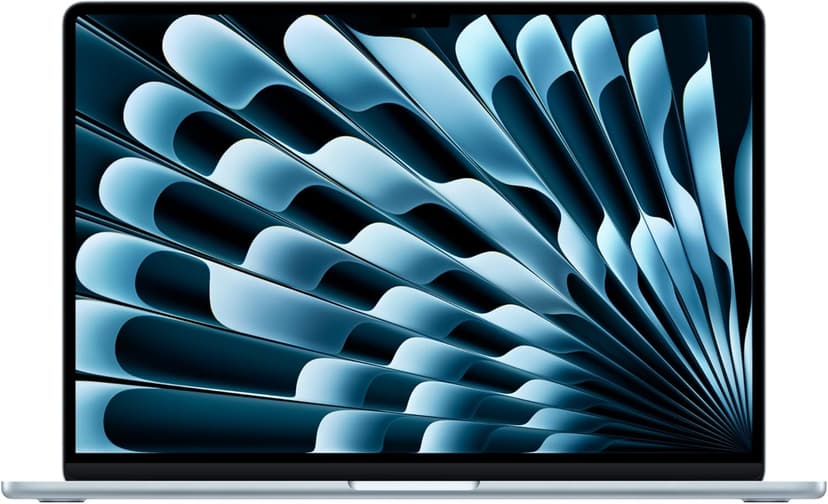
MacBook Air 15" (M4)
Selected configuration
Pros
- 10-core M4 CPU
- Fanless design
- 15.3-inch display — plenty of screen real estate
- Two Thunderbolt 4 ports
Cons
- 16GB memory in this offer; select a different configuration if you need more
- No NVIDIA CUDA support; check your ML framework
Best for: Developers comparing a fanless machine for everyday projects.
Check configuration & price on Amazon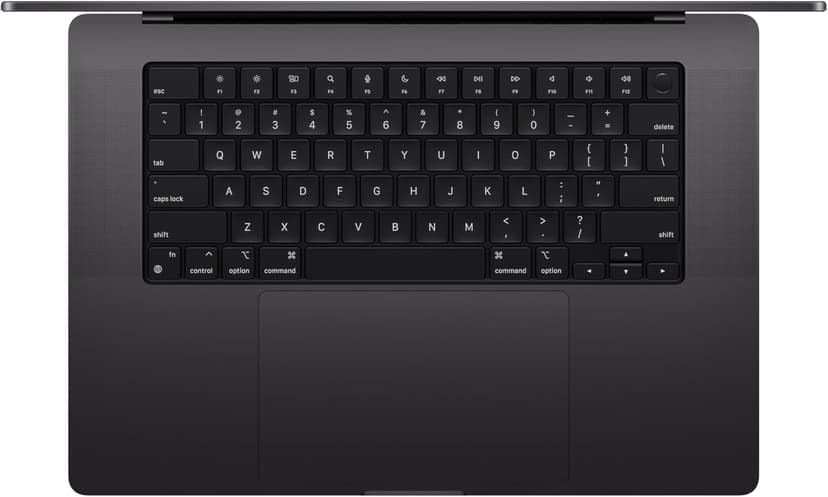
MacBook Pro 14" (M4 Pro)
Selected configuration
Pros
- 14-inch design weighing approximately 3.5 lbs
- M4 Pro with a 12-core CPU in this configuration
- Liquid Retina XDR display with ProMotion
- Active cooling for extended workloads
- Three Thunderbolt 5 ports plus HDMI and SD card
Cons
- Premium model; compare the current offer
- 14-inch screen can feel cramped for multi-pane coding
Best for: Developers considering active cooling and a 14-inch display for local builds.
Check configuration & price on Amazon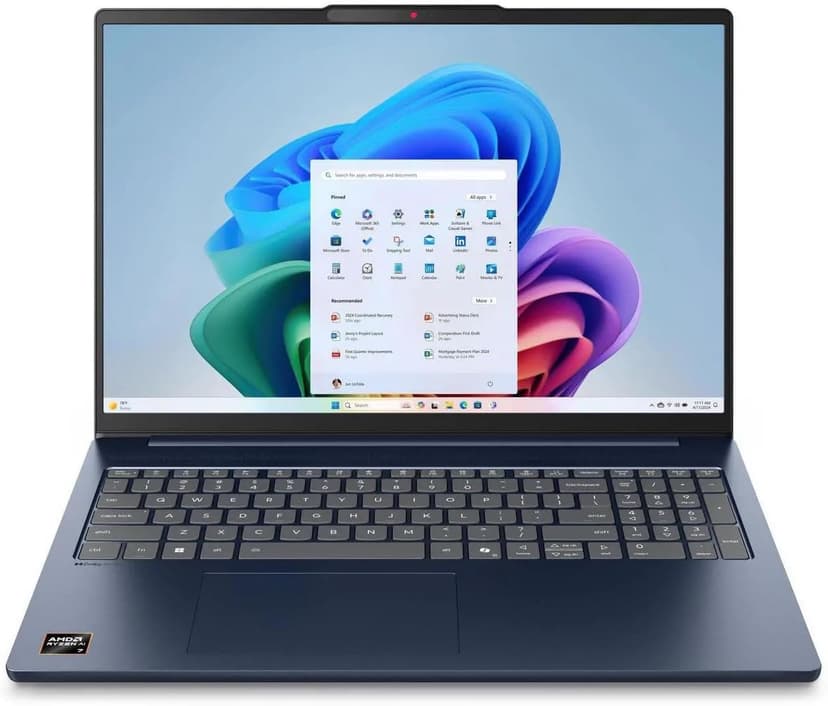
Lenovo IdeaPad Slim 5 16
Selected configuration
Pros
- 16-inch Windows option for budget comparisons
- 16GB DDR5 RAM with Ryzen AI 7 processor
- Large display gives you room to work
- Wi-Fi 7 connectivity
Cons
- IPS display — not as vibrant as OLED options
- Heavier and thicker than premium ultrabooks
Best for: Students and budget-focused developers who want the most screen real estate and RAM per dollar.
Check configuration & price on Amazon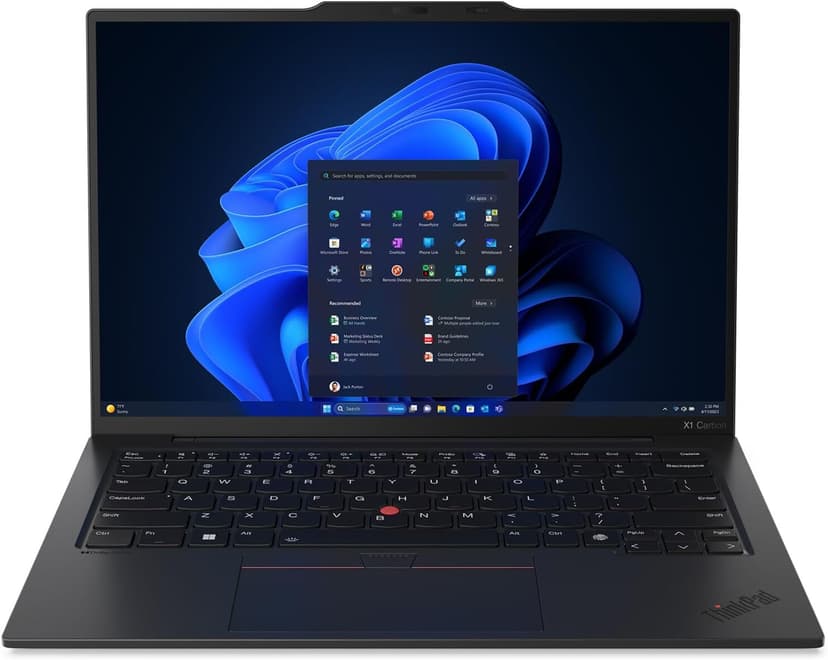
Lenovo ThinkPad X1 Carbon Gen 13
Selected configuration
Pros
- Incredibly light at 2.4 lbs — one of the lightest in this list
- ThinkPad keyboard layout; try the feel before buying
- Check Linux certification for the exact model number
- 32GB RAM + 2TB SSD in an ultrabook form factor
- Aura Edition with Intel Core Ultra 7 258V
Cons
- Integrated graphics; no discrete NVIDIA GPU
- 14-inch screen is smaller than 16-inch alternatives
Best for: Developers comparing a compact travel laptop; verify Linux support for the exact configuration if needed.
Check configuration & price on AmazonCompare configurations
| Laptop | RAM | Cores | Screen | Weight | Current offer |
|---|---|---|---|---|---|
| MacBook Air 15" (M4) | 16GB | 10 cores | 15.3" 2880x1864 | 3.3 lbs | Check Amazon |
| MacBook Pro 14" (M4 Pro) | 24GB | 12 cores | 14.2" 3024x1964 | 3.5 lbs | Check Amazon |
| Lenovo IdeaPad Slim 5 16 | 16GB | 8 cores | 16" 1920x1200 IPS touch | 4.0 lbs | Check Amazon |
| Lenovo ThinkPad X1 Carbon Gen 13 | 32GB | 8 cores | 14" 2880x1800 OLED | 2.4 lbs | Check Amazon |
Frequently Asked Questions About AI agents
Do AI agents require an AI PC?
No universal hardware category is required. Check the agent software, the model provider or local runtime, and the tools it executes.
Does more RAM make an agent reason faster?
More RAM can prevent a local workload from running out of memory. It does not directly speed up reasoning performed by a remote model service.
Related guides
Get future buying guides.
Laptop buying advice, coding workflows, and lessons from building software.