By David Khachatryan · Guidance updated
Best Laptops for Data Science in 2026: From Notebooks to Production
Best laptops for data science in 2026. Handle Jupyter, Pandas, large datasets, and visualization — the hardware data scientists rely on.
Data science workflows push laptops in ways that traditional software development does not. Loading a multi-gigabyte CSV into a Pandas DataFrame, running statistical models in scikit-learn, creating complex visualizations in Matplotlib or Plotly — each of these operations has a direct relationship with your hardware.
RAM is the most critical spec for data science. When your dataset exceeds available memory, Pandas starts swapping to disk, and operations that should take seconds take minutes. A data scientist with 16GB of RAM spends a lot of time waiting. One with 32GB or 64GB spends that time analyzing.
Here are the laptops that data scientists actually use for daily work — from exploratory analysis to production model development.
Top Picks for data science
Read the details or check the current offer
- #1
Best Dedicated GPU
- #2
Best Unified Memory for AI
- #3
Best Windows Workstation
Check your workload before upgrading
Open your usual projects and apps on your current computer. Check memory pressure, CPU use, and free storage while doing the task that feels slow. A slow internet connection, a remote service, and a slow local build need different fixes. A new laptop may not solve the first two.
Memory and storage
For a new everyday laptop, 16GB RAM is a reasonable starting point to compare. Larger projects, multiple containers, virtual machines, and datasets can justify more. These are buying guidelines, not minimum requirements for every application. Check whether memory can be upgraded. Choose SSD capacity for your files and applications, leaving room for updates.
Cloud tools and local models
A cloud service processes its model on remote servers. Buying a powerful GPU does not automatically speed up that service. If you plan to run a model locally, verify its runtime, GPU support, model size, and memory requirements before choosing hardware.
Compatibility and daily use
Check your essential applications on the exact operating system and processor architecture. Compare keyboard layout, screen size, ports, weight, and return terms. Battery performance depends on the workload; this site has not measured battery life for these models.
Laptop shortlist for data science
Compare the named model generations below. This shortlist does not cover every current release. The same model name can refer to different configurations; confirm the specifications on the seller's listing.
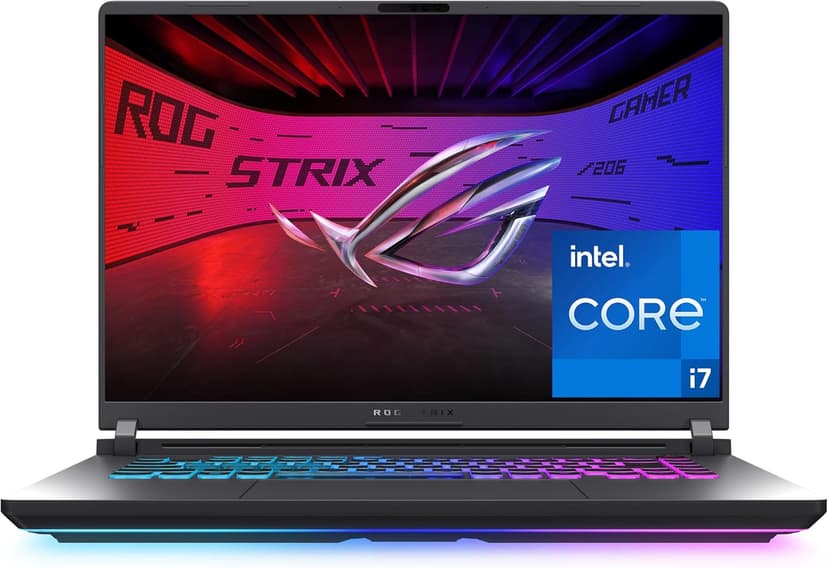
ASUS ROG Strix G16 (RTX 5060)
Selected configuration
Pros
- RTX 5060 GPU — next-gen NVIDIA for ML and AI workloads
- 16-inch 165Hz display — great for coding and gaming
- Dedicated GPU for compatible compute workloads
- 16 cores / 24 threads for fast compilation and builds
Cons
- 16GB RAM limits large model training
- Heavier at 5.8 lbs — not ultraportable
Best for: Machine learning engineers, data scientists, and anyone who needs dedicated GPU power for local model training or AI image generation.
Check configuration & price on Amazon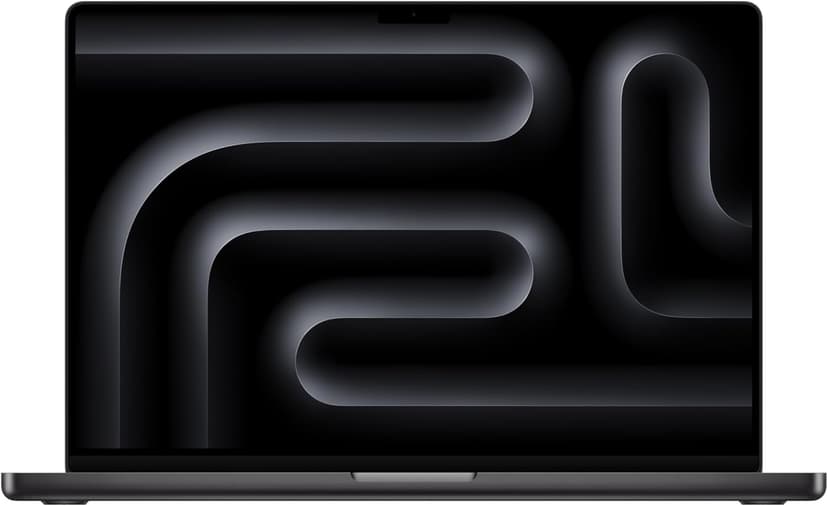
MacBook Pro 16" (M4 Max)
Selected configuration
Pros
- 36GB unified memory in this configuration
- 14-core CPU and 32-core GPU
- HDMI and SDXC connections built in
- Active cooling for sustained workloads
- Liquid Retina XDR display
Cons
- 36GB in this offer; higher-memory versions are separate configurations
- Large chassis for everyday travel
Best for: Developers comparing higher-memory configurations for local workloads that support Apple silicon.
Check configuration & price on Amazon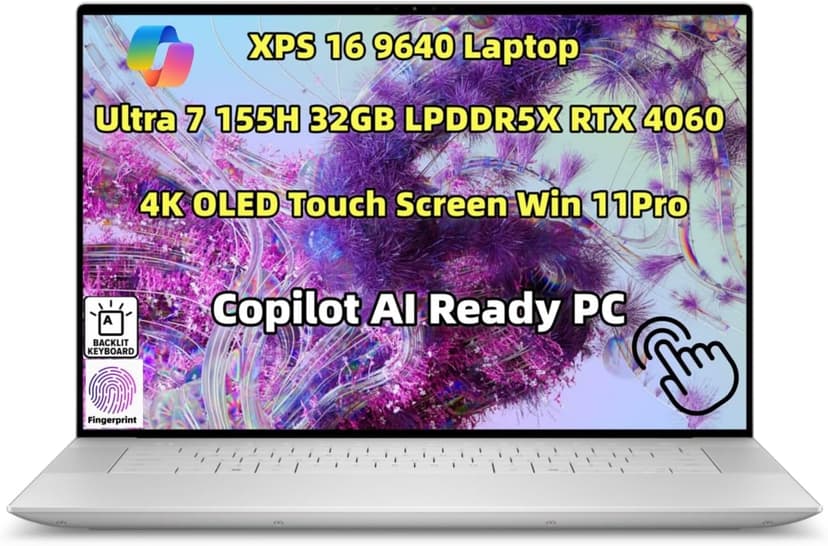
Dell XPS 16 (9640)
Selected configuration
Pros
- 16.3-inch 3840x2400 OLED touchscreen
- 32GB onboard RAM in the selected configuration
- NVIDIA RTX 4060 with 8GB dedicated memory
- Thunderbolt 4 connectivity
Cons
- Premium model; compare the current offer
- Onboard RAM cannot be upgraded
Best for: Windows developers, ML engineers, and anyone who needs a dedicated GPU alongside serious coding power.
Check configuration & price on Amazon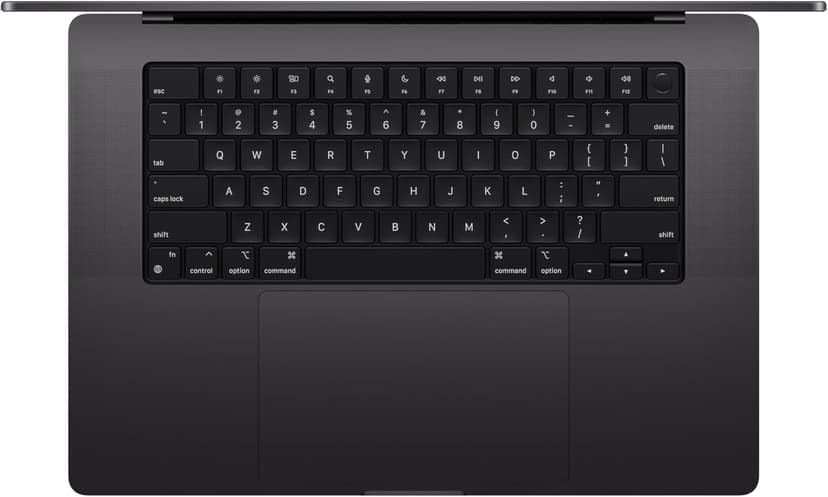
MacBook Pro 14" (M4 Pro)
Selected configuration
Pros
- 14-inch design weighing approximately 3.5 lbs
- M4 Pro with a 12-core CPU in this configuration
- Liquid Retina XDR display with ProMotion
- Active cooling for extended workloads
- Three Thunderbolt 5 ports plus HDMI and SD card
Cons
- Premium model; compare the current offer
- 14-inch screen can feel cramped for multi-pane coding
Best for: Developers considering active cooling and a 14-inch display for local builds.
Check configuration & price on Amazon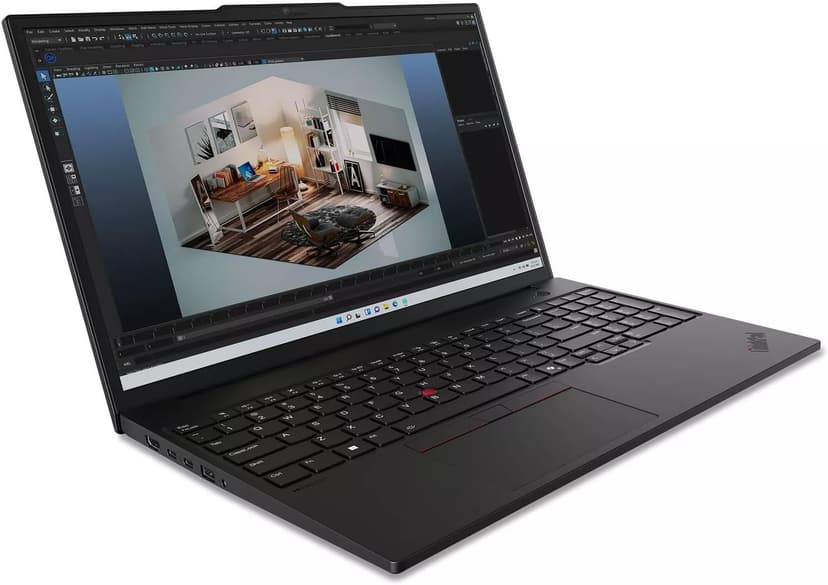
Lenovo ThinkPad P16s Gen 3
Selected configuration
Pros
- 64GB RAM and 2TB SSD in this seller-upgraded configuration
- Two DDR5 memory slots
- Ethernet, HDMI, and Thunderbolt 4 connections
- NVIDIA RTX 500 Ada graphics
Cons
- RTX 500 Ada has 4GB VRAM; check whether your model fits
- 1920x1200 IPS display in this offer, not the OLED option
Best for: Developers comparing expandable memory for containers, virtual machines, and compatible local workloads.
This listing describes a computer opened and resealed by the seller to upgrade RAM and SSD. Check the separate seller and manufacturer warranty terms before buying.
Check configuration & price on AmazonCompare configurations
| Laptop | RAM | Cores | Screen | Weight | Current offer |
|---|---|---|---|---|---|
| ASUS ROG Strix G16 (RTX 5060) | 16GB | 16 cores / 24 threads | 16" 1920x1200 165Hz | 5.8 lbs | Check Amazon |
| MacBook Pro 16" (M4 Max) | 36GB | 14 cores | 16.2" 3456x2234 | 4.7 lbs | Check Amazon |
| Dell XPS 16 (9640) | 32GB | 16 cores | 16.3" 3840x2400 OLED | 4.8 lbs | Check Amazon |
| MacBook Pro 14" (M4 Pro) | 24GB | 12 cores | 14.2" 3024x1964 | 3.5 lbs | Check Amazon |
| Lenovo ThinkPad P16s Gen 3 | 64GB | 16 cores | 16" 1920x1200 IPS | Approx. 4.0 lbs | Check Amazon |
Related guides
Get future buying guides.
Laptop buying advice, coding workflows, and lessons from building software.