By David Khachatryan · Guidance updated
MacBook Air 13 vs 15 for Coding (2026): M4 Size and Specs
Compare the M4 MacBook Air 13 and 15 for coding: screen size, carrying weight, GPU variants, external displays, and configuration trade-offs.
The M4 Air 13-inch and 15-inch share a processor family, but that does not make every configuration identical. Start with where you work: a compact laptop beside a monitor and a laptop used alone all day solve different problems.
We compare the published specifications below. We have not measured build times, thermals, or battery life, and we do not promise identical performance.
Top Picks for MacBook Air 13 vs 15 inch
Read the details or check the current offer
- #1
Smaller carrying size
- #2
Larger built-in screen
Choose the 13-inch when carrying size matters most
Apple lists the smaller Air at 2.7 pounds with a 13.6-inch display. It is worth considering for frequent travel or a desk with an external monitor. Try your usual editor font size and window layout on a similar screen before deciding that the smaller display is sufficient.
Choose the 15-inch when you work on the built-in screen
The larger Air has a 15.3-inch display and weighs 3.3 pounds. The extra space may help an editor and preview fit beside each other, but comfort depends on scaling and eyesight. Check your bag and desk space as well as the offer price.
Match the configurations before comparing prices
The 13-inch M4 Air has 8-core and 10-core GPU options; the 15-inch uses a 10-core GPU. Match memory and storage as well. Both support up to two external displays under Apple's documented conditions, so screen size alone need not decide a docked setup.
Sources and scope
The recommendations above are editorial judgments based on the requirements and specifications below. They are not measured performance results.
MacBook Air 13" (M4) vs MacBook Air 15" (M4): Specs Comparison
These are selected configurations, not the maximum specifications of each model family. Confirm the RAM, storage, GPU, and display on the exact offer before ordering.
| Spec | MacBook Air 13" (M4) | MacBook Air 15" (M4) |
|---|---|---|
| ram | 16GB | 16GB |
| cpu | M4 | M4 |
| cores | 10 cores | 10 cores |
| display | 13.6" 2560x1664 | 15.3" 2880x1864 |
| storage | 256GB SSD | 256GB SSD |
| weight | 2.7 lbs | 3.3 lbs |
The two laptops compared
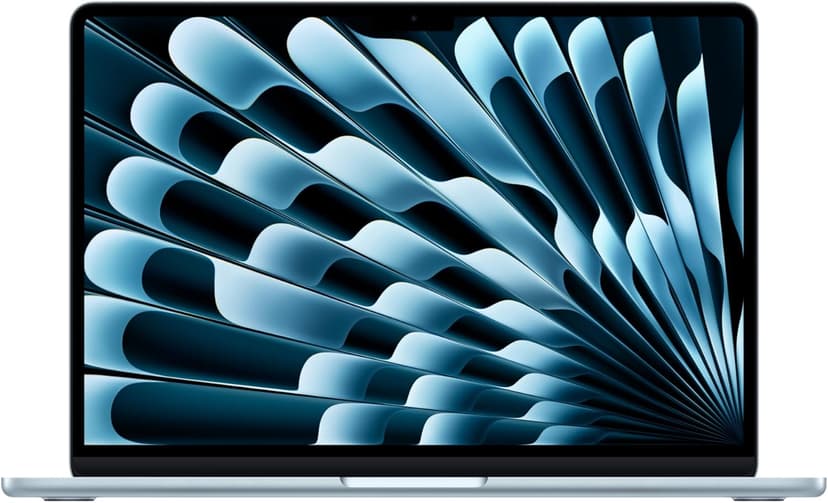
MacBook Air 13" (M4)
Selected configuration
Pros
- Compact 13.6-inch display
- Ultra-portable at 2.7 lbs
- Fanless and completely silent
- Two Thunderbolt 4 ports
Cons
- 13.6-inch screen can feel cramped for multi-pane coding
- 16GB memory in this offer; select a different configuration if you need more
Best for: Students, side-project builders, and anyone starting their coding journey.
Check configuration & price on Amazon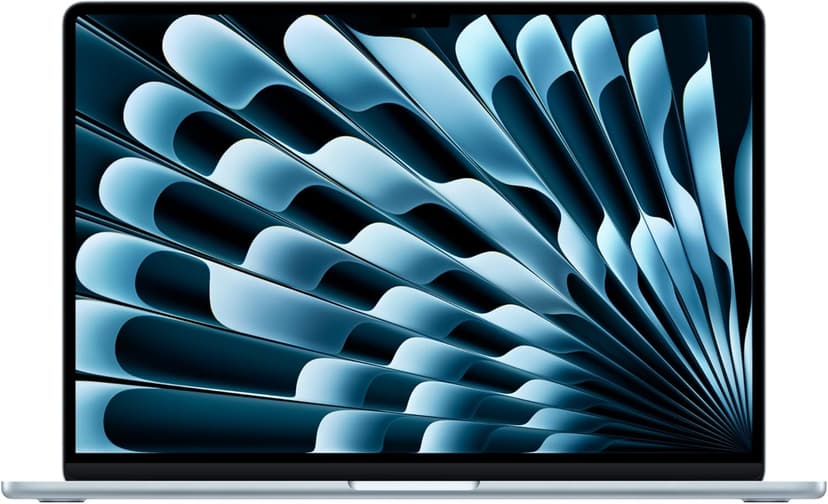
MacBook Air 15" (M4)
Selected configuration
Pros
- 10-core M4 CPU
- Fanless design
- 15.3-inch display — plenty of screen real estate
- Two Thunderbolt 4 ports
Cons
- 16GB memory in this offer; select a different configuration if you need more
- No NVIDIA CUDA support; check your ML framework
Best for: Developers comparing a fanless machine for everyday projects.
Check configuration & price on AmazonOther configurations to consider
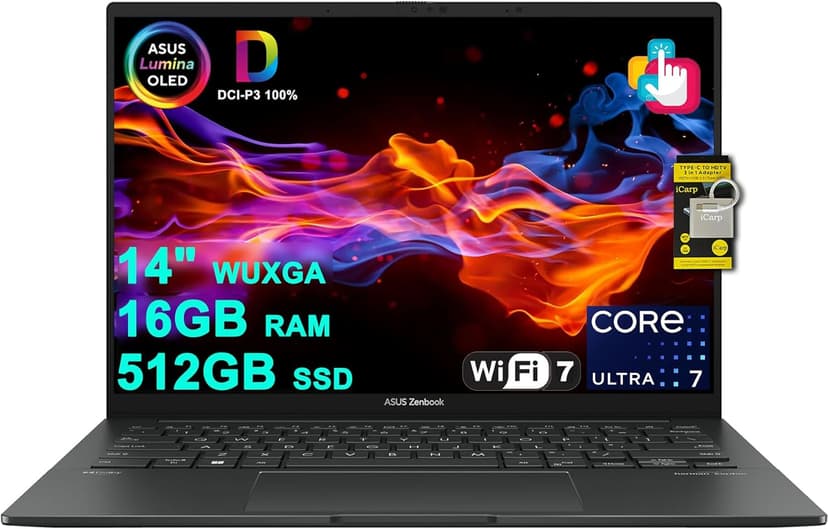
ASUS Zenbook 14 OLED (Core Ultra 7 255H)
Selected configuration
Pros
- 14-inch OLED touchscreen
- 16-core Intel Core Ultra 7 255H
- 16GB RAM and 512GB SSD in this offer
- Thunderbolt 4 connections
Cons
- 16GB RAM is not upgradeable
- No dedicated GPU for heavy compute tasks
Best for: Developers and AI tool users who want a gorgeous OLED display and solid performance without breaking the bank.
Check configuration & price on AmazonFrequently Asked Questions About MacBook Air 13 vs 15 inch
Is the 15-inch always faster than the 13-inch?
No such conclusion follows from screen size. Check GPU, memory, storage, and measurements of the workload you care about; this guide does not include performance tests.
Related Guides
Get future buying guides.
Laptop buying advice, coding workflows, and lessons from building software.