By David Khachatryan · Guidance updated
Best MacBook for Coding (2026): M4 Air vs M4 Pro and Max
Compare M4 MacBooks for coding by memory, cooling, storage, and screen size. A specification-based guide to when an Air is enough and when a Pro is useful.
For a modest web-development project, an M4 MacBook Air is worth comparing before paying for a Pro. The reason to consider a Pro is a specific requirement: sustained builds, higher memory capacity, additional ports, or another demanding local workload.
This guide covers M4-generation configurations, not every current MacBook release. It is based on specifications and workflow trade-offs. We have not tested these laptops side by side.
Top Picks for MacBooks for coding
Read the details or check the current offer
- #1
Larger screen for everyday development
- #2
Sustained builds and more memory
- #3
Compact option for travel
M4 Air: compare it for everyday projects
The M4 Air is a candidate for web work and lighter local development. Apple's M4 Air specifications include 16GB, 24GB, and 32GB memory options. Your project size and concurrent applications determine which configuration is appropriate; this guide does not claim that one capacity handles every workflow.
M4 Pro: consider sustained work and memory headroom
The Pro offers active cooling and different memory options, along with a different display and port selection. Compare it when those features address an actual limitation. Do not infer a measured compile-time improvement from the product name alone.
M4 Max: buy for a defined workload
Higher memory configurations can be relevant to local models and large datasets. Check the chosen model's requirements and the exact listing. Apple unified memory does not make 24GB generally equivalent to 32GB on another machine; applications still need adequate capacity.
Sources and scope
The recommendations above are editorial judgments based on the requirements and specifications below. They are not measured performance results.
Before you buy
- Select memory capacity before screen size if your projects already create memory pressure.
- Compare the exact RAM and SSD configuration, not just the Air or Pro label.
- Budget storage for your tools, simulators, containers, and files; an external SSD is useful only if it suits your workflow.
- Compare the current offer with newer generations before buying an older model.
Laptop shortlist for MacBooks for coding
Compare the named model generations below. This shortlist does not cover every current release. The same model name can refer to different configurations; confirm the specifications on the seller's listing.
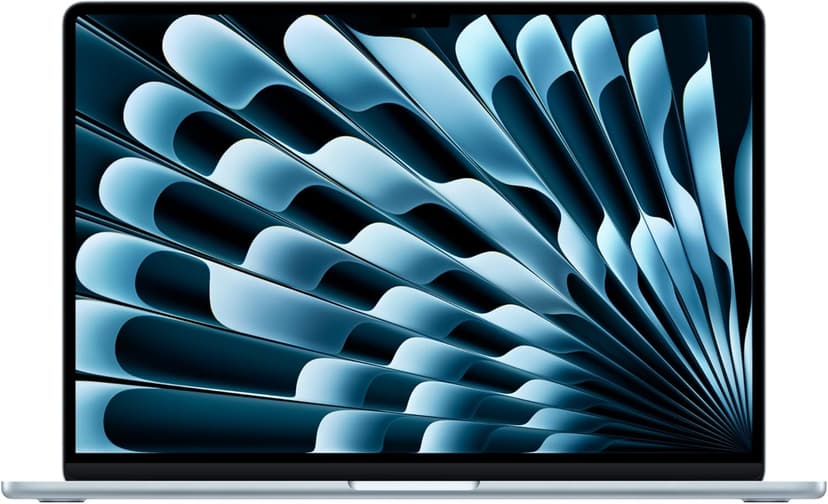
MacBook Air 15" (M4)
Selected configuration
Pros
- 10-core M4 CPU
- Fanless design
- 15.3-inch display — plenty of screen real estate
- Two Thunderbolt 4 ports
Cons
- 16GB memory in this offer; select a different configuration if you need more
- No NVIDIA CUDA support; check your ML framework
Best for: Developers comparing a fanless machine for everyday projects.
Check configuration & price on Amazon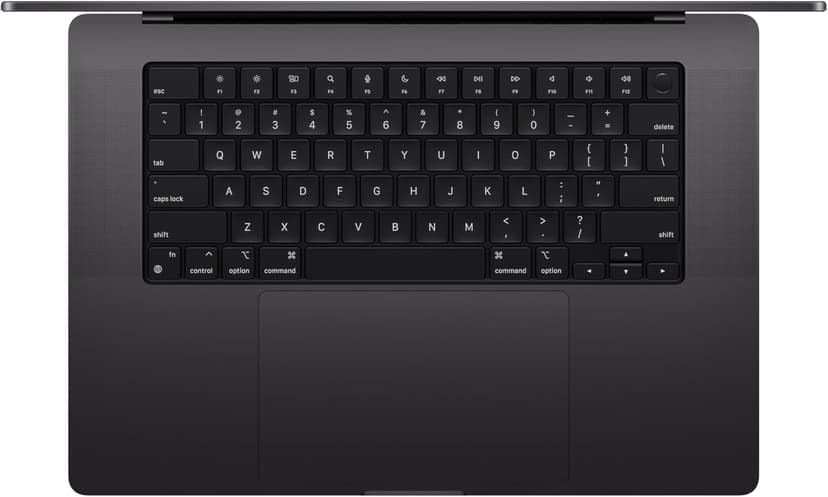
MacBook Pro 14" (M4 Pro)
Selected configuration
Pros
- 14-inch design weighing approximately 3.5 lbs
- M4 Pro with a 12-core CPU in this configuration
- Liquid Retina XDR display with ProMotion
- Active cooling for extended workloads
- Three Thunderbolt 5 ports plus HDMI and SD card
Cons
- Premium model; compare the current offer
- 14-inch screen can feel cramped for multi-pane coding
Best for: Developers considering active cooling and a 14-inch display for local builds.
Check configuration & price on Amazon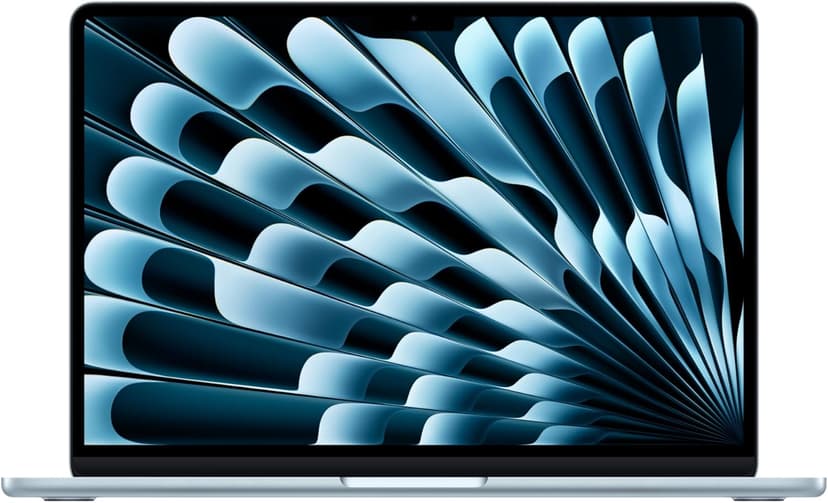
MacBook Air 13" (M4)
Selected configuration
Pros
- Compact 13.6-inch display
- Ultra-portable at 2.7 lbs
- Fanless and completely silent
- Two Thunderbolt 4 ports
Cons
- 13.6-inch screen can feel cramped for multi-pane coding
- 16GB memory in this offer; select a different configuration if you need more
Best for: Students, side-project builders, and anyone starting their coding journey.
Check configuration & price on Amazon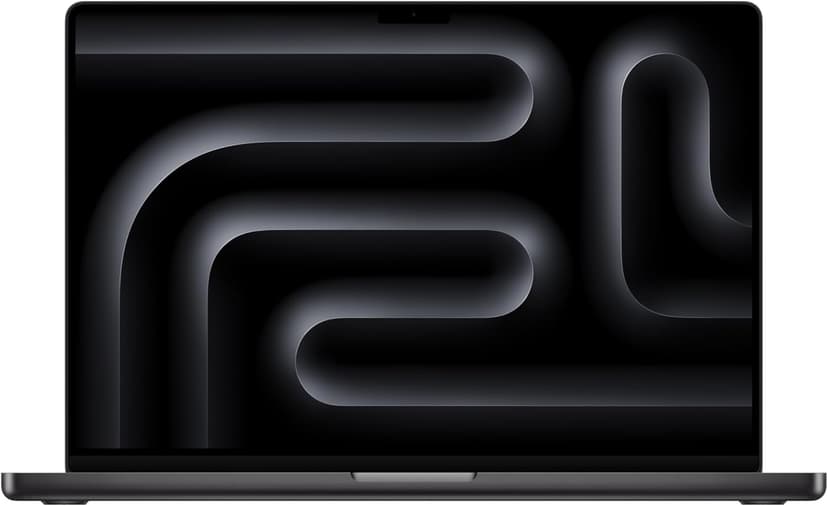
MacBook Pro 16" (M4 Max)
Selected configuration
Pros
- 36GB unified memory in this configuration
- 14-core CPU and 32-core GPU
- HDMI and SDXC connections built in
- Active cooling for sustained workloads
- Liquid Retina XDR display
Cons
- 36GB in this offer; higher-memory versions are separate configurations
- Large chassis for everyday travel
Best for: Developers comparing higher-memory configurations for local workloads that support Apple silicon.
Check configuration & price on AmazonCompare configurations
| Laptop | RAM | Cores | Screen | Weight | Current offer |
|---|---|---|---|---|---|
| MacBook Air 15" (M4) | 16GB | 10 cores | 15.3" 2880x1864 | 3.3 lbs | Check Amazon |
| MacBook Pro 14" (M4 Pro) | 24GB | 12 cores | 14.2" 3024x1964 | 3.5 lbs | Check Amazon |
| MacBook Air 13" (M4) | 16GB | 10 cores | 13.6" 2560x1664 | 2.7 lbs | Check Amazon |
| MacBook Pro 16" (M4 Max) | 36GB | 14 cores | 16.2" 3456x2234 | 4.7 lbs | Check Amazon |
Frequently Asked Questions About MacBooks for coding
Is a MacBook Air enough for coding?
It can be, especially for modest web projects. Check your project's memory use, build duration, storage needs, and external-display setup before choosing.
Is a MacBook Pro worth the extra cost?
Consider it when sustained workloads, memory options, ports, or the display meet a concrete need. This guide has no measured benchmarks to promise a speed improvement.
Is this a hands-on review?
No. This is a specification-based buying guide. We have not conducted side-by-side hardware testing for these recommendations.
Related guides
Get future buying guides.
Laptop buying advice, coding workflows, and lessons from building software.