By David Khachatryan · Guidance updated
MacBook Air vs Pro for Coding (2026): M4 Models Compared
Compare the M4 Air 15 and M4 Max Pro 16 for coding: memory, cooling, ports, and when a smaller M4 Pro model may be a better fit.
Start with the work that makes your current laptop struggle. Short web-development tasks, long local builds, and running a local model put different demands on a computer.
This guide compares the M4 Air 15-inch and M4 Max Pro 16-inch, with the M4 Pro 14-inch as an alternative. These are specific older generations, not every Air and Pro available in 2026. The recommendations are based on specifications; we have not measured their performance or battery life.
Top Picks for MacBook Air vs Pro for coding
Read the details or check the current offer
- #1
Fanless 15-inch option
- #2
Higher memory and active cooling
Consider the Air for everyday development
The M4 Air offers a fanless design and up to 32GB of memory. It is a candidate when portability matters and your editor, browser, and local services fit comfortably in memory. Check the selected offer: a 16GB listing does not include the maximum configuration.
Consider the Pro when a specific feature earns its cost
The M4 Max Pro adds higher memory options, active cooling, HDMI, an SD card slot, and Thunderbolt 5. Those differences may matter for sustained work or a particular desk setup. They do not establish a measured build-speed advantage for your project; use a benchmark of the same configuration if speed determines your purchase.
Compare the 14-inch Pro before choosing the Max
Include the smaller M4 Pro model in your comparison if you want active cooling without the 16-inch chassis. Compare the memory you actually need and the complete checkout totals. There is no fixed savings figure here, and a cloud AI subscription alone does not justify a Max chip.
Sources and scope
The recommendations above are editorial judgments based on the requirements and specifications below. They are not measured performance results.
MacBook Air 15" (M4) vs MacBook Pro 16" (M4 Max): Specs Comparison
These are selected configurations, not the maximum specifications of each model family. Confirm the RAM, storage, GPU, and display on the exact offer before ordering.
| Spec | MacBook Air 15" (M4) | MacBook Pro 16" (M4 Max) |
|---|---|---|
| ram | 16GB | 36GB |
| cpu | M4 | M4 Max |
| cores | 10 cores | 14 cores |
| display | 15.3" 2880x1864 | 16.2" 3456x2234 |
| storage | 256GB SSD | 1TB SSD |
| weight | 3.3 lbs | 4.7 lbs |
The two laptops compared
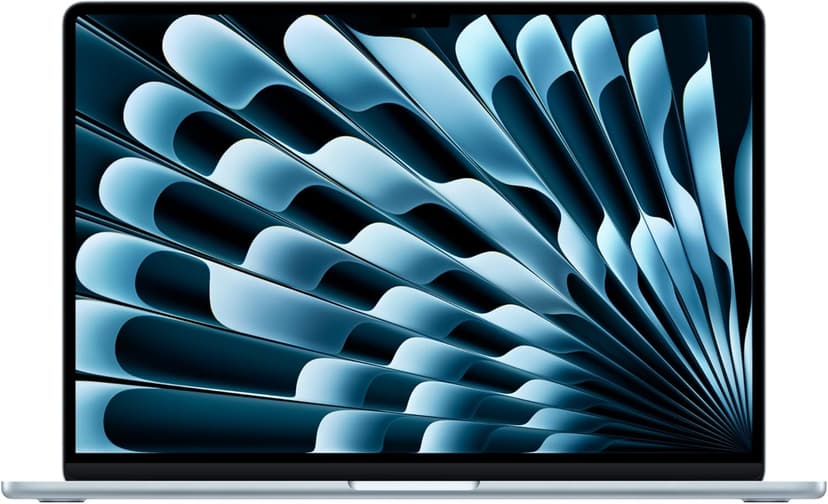
MacBook Air 15" (M4)
Selected configuration
Pros
- 10-core M4 CPU
- Fanless design
- 15.3-inch display — plenty of screen real estate
- Two Thunderbolt 4 ports
Cons
- 16GB memory in this offer; select a different configuration if you need more
- No NVIDIA CUDA support; check your ML framework
Best for: Developers comparing a fanless machine for everyday projects.
Check configuration & price on Amazon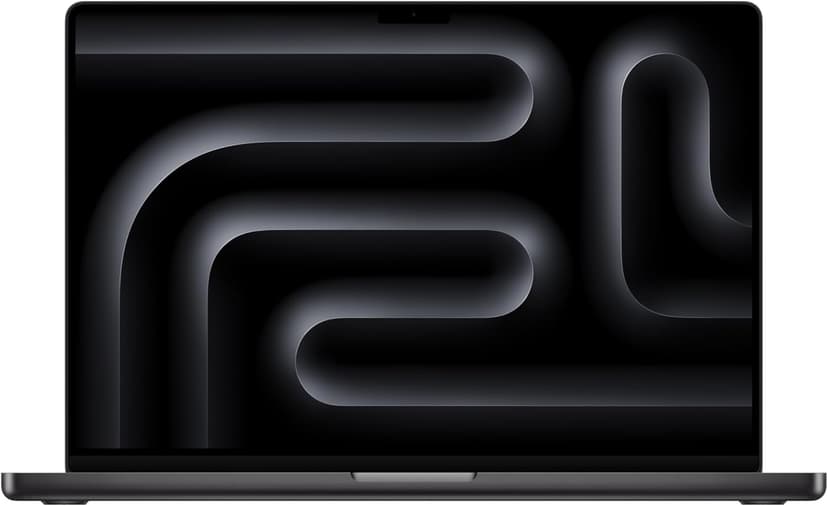
MacBook Pro 16" (M4 Max)
Selected configuration
Pros
- 36GB unified memory in this configuration
- 14-core CPU and 32-core GPU
- HDMI and SDXC connections built in
- Active cooling for sustained workloads
- Liquid Retina XDR display
Cons
- 36GB in this offer; higher-memory versions are separate configurations
- Large chassis for everyday travel
Best for: Developers comparing higher-memory configurations for local workloads that support Apple silicon.
Check configuration & price on AmazonOther configurations to consider
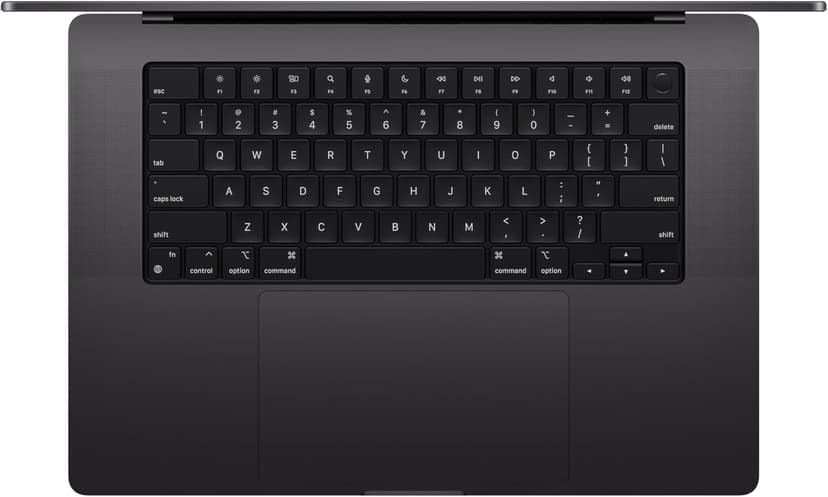
MacBook Pro 14" (M4 Pro)
Selected configuration
Pros
- 14-inch design weighing approximately 3.5 lbs
- M4 Pro with a 12-core CPU in this configuration
- Liquid Retina XDR display with ProMotion
- Active cooling for extended workloads
- Three Thunderbolt 5 ports plus HDMI and SD card
Cons
- Premium model; compare the current offer
- 14-inch screen can feel cramped for multi-pane coding
Best for: Developers considering active cooling and a 14-inch display for local builds.
Check configuration & price on AmazonFrequently Asked Questions About MacBook Air vs Pro for coding
Does this comparison prove the Air has better battery life?
No. We have not run a battery test. Compare manufacturer test conditions and independent measurements using the same workload and configuration.
Related Guides
Get future buying guides.
Laptop buying advice, coding workflows, and lessons from building software.