By David Khachatryan · Guidance updated
Mac vs Windows for Coding (2026): Choose by Your Toolchain
Compare the M4 MacBook Air and Dell XPS 16 for coding. Start with Xcode, Windows tools, Linux workflows, memory, and the exact GPU configuration.
Choose the operating system your work requires before comparing laptop specifications. A faster machine does not fix an unsupported tool, driver, or deployment workflow.
The M4 Air 15-inch and XPS 16 9640 below illustrate two options. This is a specification comparison, not a measured performance contest or a survey of every current Mac and Windows laptop.
Top Picks for Mac vs Windows for coding
Read the details or check the current offer
- #1
Fanless macOS option
- #2
Windows option with discrete graphics
Choose a Mac for local Xcode development
Apple lists macOS requirements for Xcode. If your workflow relies on running Xcode locally, select a compatible Mac and check the required macOS version. A remote Mac build service is a separate option, with its own costs and workflow; it does not make Xcode a native Windows application.
Choose Windows for required Windows tools
If your team depends on Windows applications or hardware drivers, start there. WSL can provide a Linux environment on Windows, and WSL 2 uses a lightweight virtual machine. Check your project setup, device access, and container architecture rather than assuming every Linux workflow transfers unchanged.
Compare exact configurations for web and AI work
For a cross-platform project, try its dependencies before committing. The XPS 16 family has different graphics options; do not assume every offer includes an NVIDIA GPU. Its memory is onboard, so buying Windows does not automatically mean upgradeable RAM. Compare the selected RAM, SSD, GPU, ports, and return terms.
Sources and scope
The recommendations above are editorial judgments based on the requirements and specifications below. They are not measured performance results.
MacBook Air 15" (M4) vs Dell XPS 16 (9640): Specs Comparison
These are selected configurations, not the maximum specifications of each model family. Confirm the RAM, storage, GPU, and display on the exact offer before ordering.
| Spec | MacBook Air 15" (M4) | Dell XPS 16 (9640) |
|---|---|---|
| ram | 16GB | 32GB |
| cpu | M4 | Core Ultra 9 185H |
| cores | 10 cores | 16 cores |
| display | 15.3" 2880x1864 | 16.3" 3840x2400 OLED |
| storage | 256GB SSD | 1TB SSD |
| weight | 3.3 lbs | 4.8 lbs |
The two laptops compared
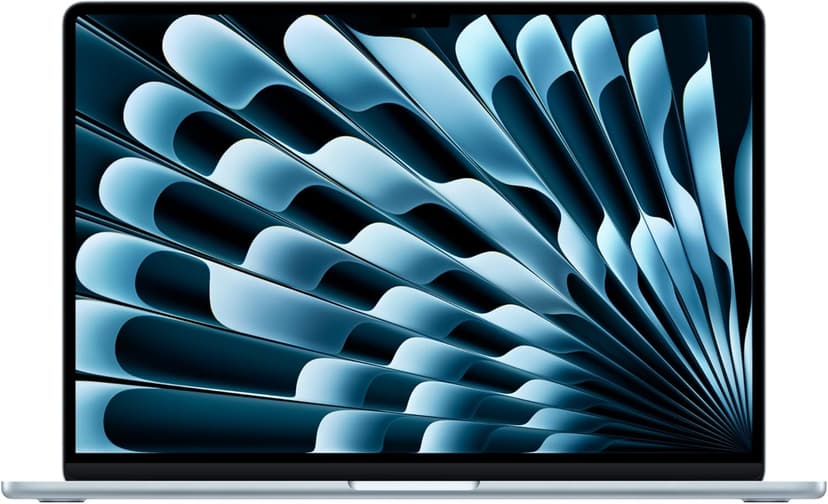
MacBook Air 15" (M4)
Selected configuration
Pros
- 10-core M4 CPU
- Fanless design
- 15.3-inch display — plenty of screen real estate
- Two Thunderbolt 4 ports
Cons
- 16GB memory in this offer; select a different configuration if you need more
- No NVIDIA CUDA support; check your ML framework
Best for: Developers comparing a fanless machine for everyday projects.
Check configuration & price on Amazon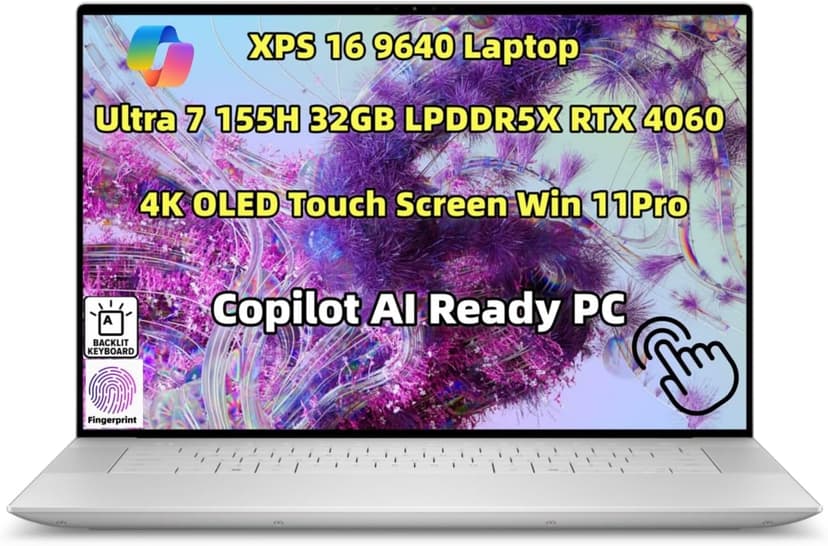
Dell XPS 16 (9640)
Selected configuration
Pros
- 16.3-inch 3840x2400 OLED touchscreen
- 32GB onboard RAM in the selected configuration
- NVIDIA RTX 4060 with 8GB dedicated memory
- Thunderbolt 4 connectivity
Cons
- Premium model; compare the current offer
- Onboard RAM cannot be upgraded
Best for: Windows developers, ML engineers, and anyone who needs a dedicated GPU alongside serious coding power.
Check configuration & price on AmazonOther configurations to consider
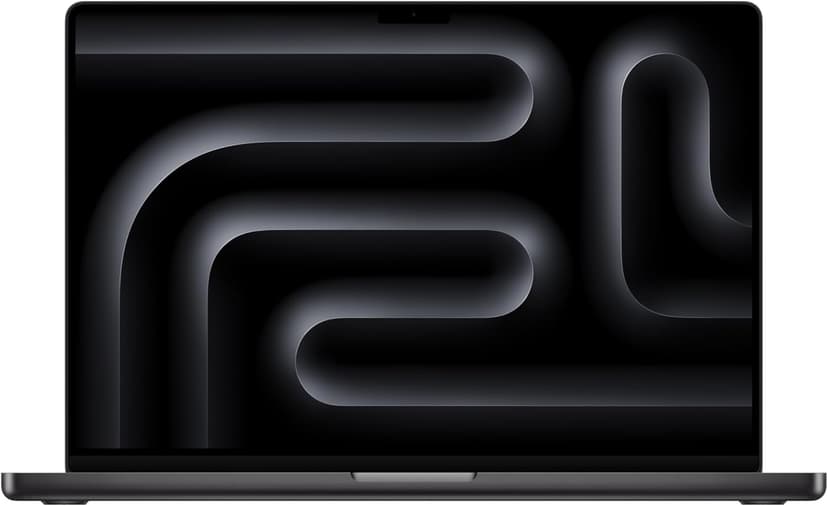
MacBook Pro 16" (M4 Max)
Selected configuration
Pros
- 36GB unified memory in this configuration
- 14-core CPU and 32-core GPU
- HDMI and SDXC connections built in
- Active cooling for sustained workloads
- Liquid Retina XDR display
Cons
- 36GB in this offer; higher-memory versions are separate configurations
- Large chassis for everyday travel
Best for: Developers comparing higher-memory configurations for local workloads that support Apple silicon.
Check configuration & price on Amazon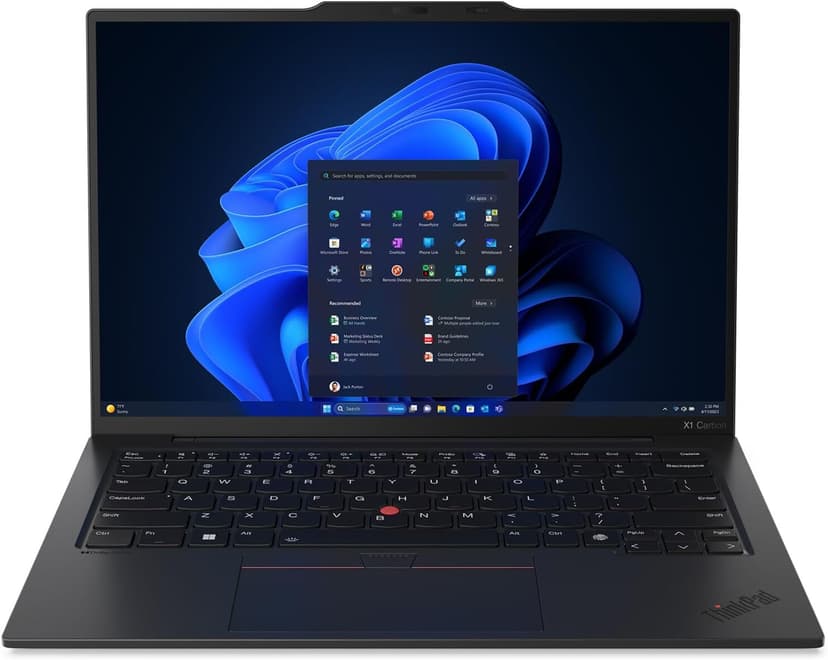
Lenovo ThinkPad X1 Carbon Gen 13
Selected configuration
Pros
- Incredibly light at 2.4 lbs — one of the lightest in this list
- ThinkPad keyboard layout; try the feel before buying
- Check Linux certification for the exact model number
- 32GB RAM + 2TB SSD in an ultrabook form factor
- Aura Edition with Intel Core Ultra 7 258V
Cons
- Integrated graphics; no discrete NVIDIA GPU
- 14-inch screen is smaller than 16-inch alternatives
Best for: Developers comparing a compact travel laptop; verify Linux support for the exact configuration if needed.
Check configuration & price on AmazonFrequently Asked Questions About Mac vs Windows for coding
Will a more expensive laptop make cloud AI responses faster?
A laptop upgrade is not a reliable fix for remote-service latency. First separate slow local builds or memory pressure from network and cloud-service delays.
Related Guides
Get future buying guides.
Laptop buying advice, coding workflows, and lessons from building software.