By David Khachatryan · Guidance updated
ThinkPad X1 Carbon vs XPS 16 for Coding (2026): What to Check
Compare X1 Carbon Gen 13 and XPS 16 9640 for developer travel, screen space, graphics, memory upgrades, and exact-model Linux support.
The ThinkPad X1 Carbon Gen 13 and Dell XPS 16 9640 target different carrying and screen preferences. Their family names also cover multiple configurations, so an exact model number matters more than a broad brand verdict.
Use this comparison to narrow the choice, then verify the seller's RAM, display, GPU, and model number. We have not tested either keyboard, benchmarked these machines, or certified their Linux compatibility.
Top Picks for ThinkPad vs Dell XPS for developers
Read the details or check the current offer
- #1
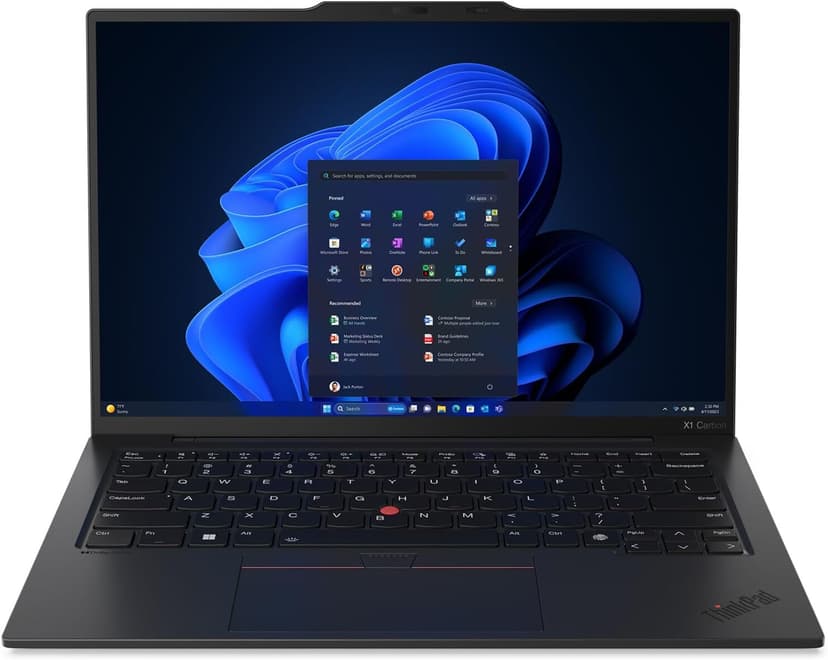
Lenovo ThinkPad X1 Carbon Gen 13
Compact 14-inch travel option
- #2
16-inch option with discrete graphics
Consider the X1 Carbon for a compact travel setup
The X1 Carbon is a 14-inch machine with integrated graphics. It is a candidate when you carry your laptop frequently and do not need a discrete NVIDIA GPU. Check the configuration's weight, display, and ports, and try the keyboard if its feel is a deciding factor.
Consider the XPS for a larger display or specific GPU
The XPS 16 offers a 16.3-inch display and multiple graphics configurations. If local compute is the reason to buy it, verify the exact GPU and its memory rather than relying on an RTX label in a family description. Compare the carrying weight and charger too.
Resolve memory and Linux requirements before ordering
Both model families use non-upgradeable onboard memory. Lenovo also distinguishes processor variants and notes Linux feature limitations. Check support for the exact machine type, wireless hardware, camera, suspend, and dock. Brand reputation does not establish compatibility for a particular configuration.
Sources and scope
The recommendations above are editorial judgments based on the requirements and specifications below. They are not measured performance results.
Lenovo ThinkPad X1 Carbon Gen 13 vs Dell XPS 16 (9640): Specs Comparison
These are selected configurations, not the maximum specifications of each model family. Confirm the RAM, storage, GPU, and display on the exact offer before ordering.
| Spec | Lenovo ThinkPad X1 Carbon Gen 13 | Dell XPS 16 (9640) |
|---|---|---|
| ram | 32GB | 32GB |
| cpu | Core Ultra 7 258V | Core Ultra 9 185H |
| cores | 8 cores | 16 cores |
| display | 14" 2880x1800 OLED | 16.3" 3840x2400 OLED |
| storage | 2TB SSD | 1TB SSD |
| weight | 2.4 lbs | 4.8 lbs |
The two laptops compared
Lenovo ThinkPad X1 Carbon Gen 13
Selected configuration
Pros
- Incredibly light at 2.4 lbs — one of the lightest in this list
- ThinkPad keyboard layout; try the feel before buying
- Check Linux certification for the exact model number
- 32GB RAM + 2TB SSD in an ultrabook form factor
- Aura Edition with Intel Core Ultra 7 258V
Cons
- Integrated graphics; no discrete NVIDIA GPU
- 14-inch screen is smaller than 16-inch alternatives
Best for: Developers comparing a compact travel laptop; verify Linux support for the exact configuration if needed.
Check configuration & price on Amazon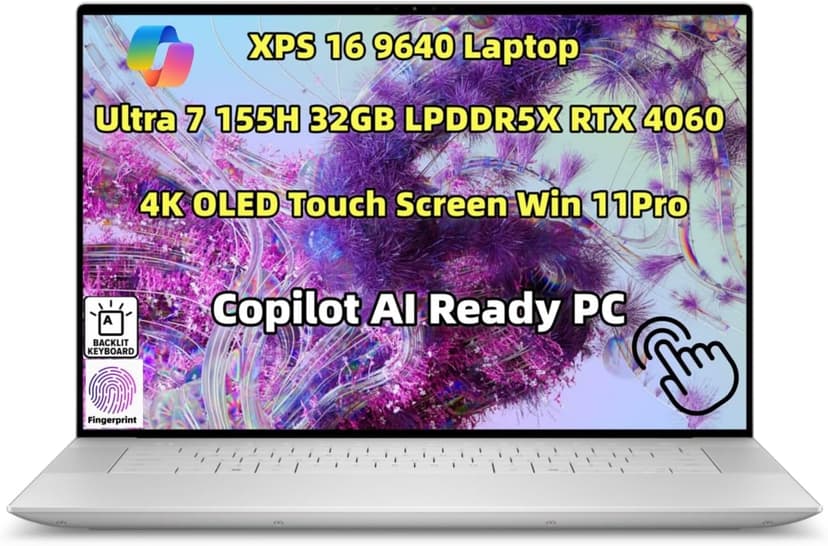
Dell XPS 16 (9640)
Selected configuration
Pros
- 16.3-inch 3840x2400 OLED touchscreen
- 32GB onboard RAM in the selected configuration
- NVIDIA RTX 4060 with 8GB dedicated memory
- Thunderbolt 4 connectivity
Cons
- Premium model; compare the current offer
- Onboard RAM cannot be upgraded
Best for: Windows developers, ML engineers, and anyone who needs a dedicated GPU alongside serious coding power.
Check configuration & price on AmazonOther configurations to consider
Lenovo ThinkPad P16s Gen 3
Selected configuration
Pros
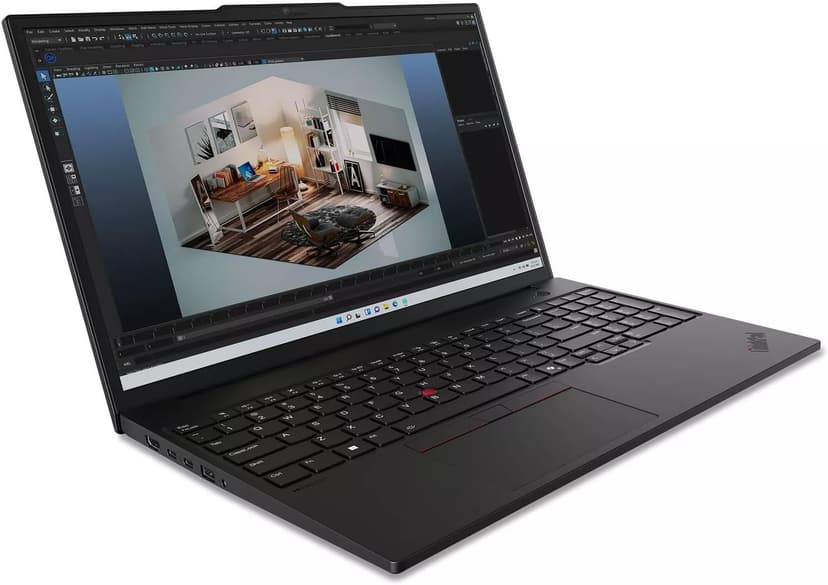
- 64GB RAM and 2TB SSD in this seller-upgraded configuration
- Two DDR5 memory slots
- Ethernet, HDMI, and Thunderbolt 4 connections
- NVIDIA RTX 500 Ada graphics
Cons
- RTX 500 Ada has 4GB VRAM; check whether your model fits
- 1920x1200 IPS display in this offer, not the OLED option
Best for: Developers comparing expandable memory for containers, virtual machines, and compatible local workloads.
This listing describes a computer opened and resealed by the seller to upgrade RAM and SSD. Check the separate seller and manufacturer warranty terms before buying.
Check configuration & price on AmazonFrequently Asked Questions About ThinkPad vs Dell XPS for developers
Can I add more RAM later?
The X1 Carbon Gen 13 and XPS 16 9640 use onboard memory rather than RAM expansion slots. Buy the capacity you need and confirm the exact configuration with the manufacturer and seller.
Related Guides
Get future buying guides.
Laptop buying advice, coding workflows, and lessons from building software.